Wishlist for WooCommerce v1.0.0
Let shoppers save products to a wishlist, with guest lists that follow them on login. Pro adds multiple lists, share links and price-drop emails.
No credit card for the trial. Pro from $3.25/mo, billed annually. 14-day money-back guarantee.
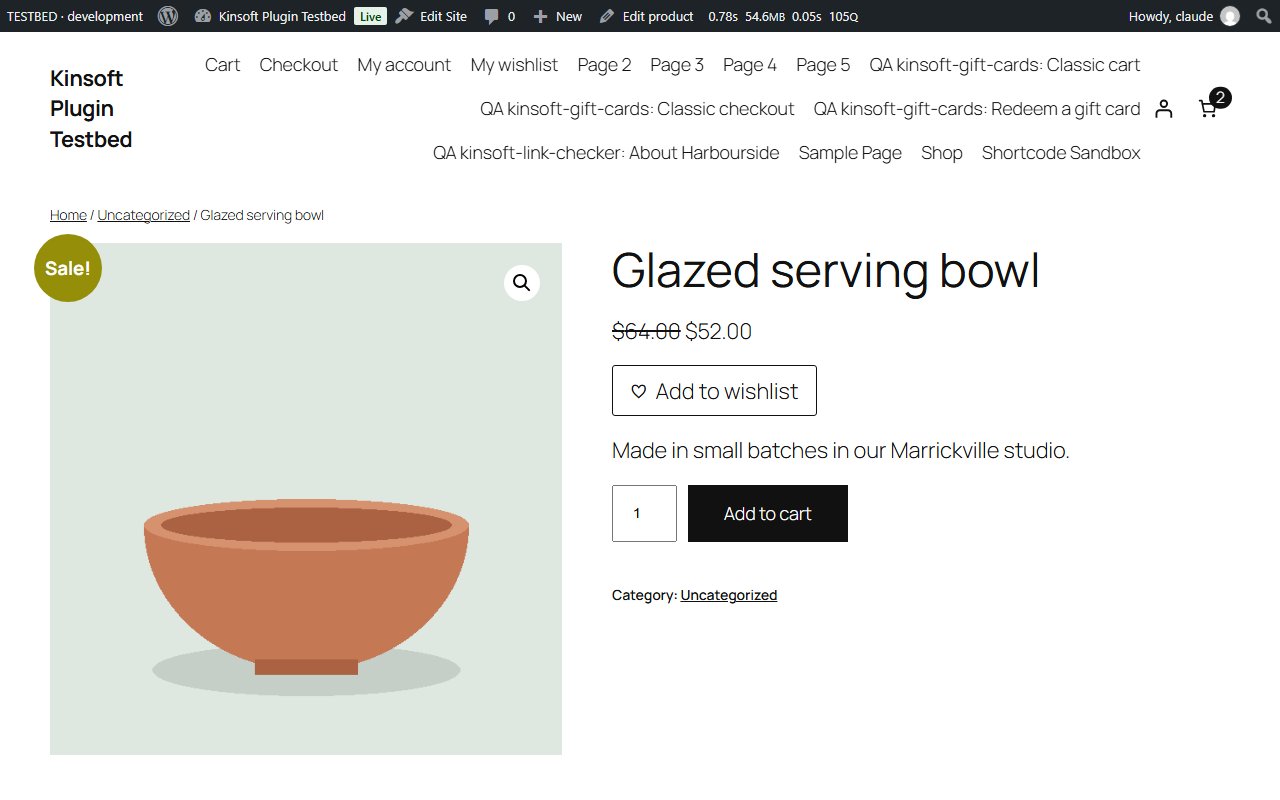
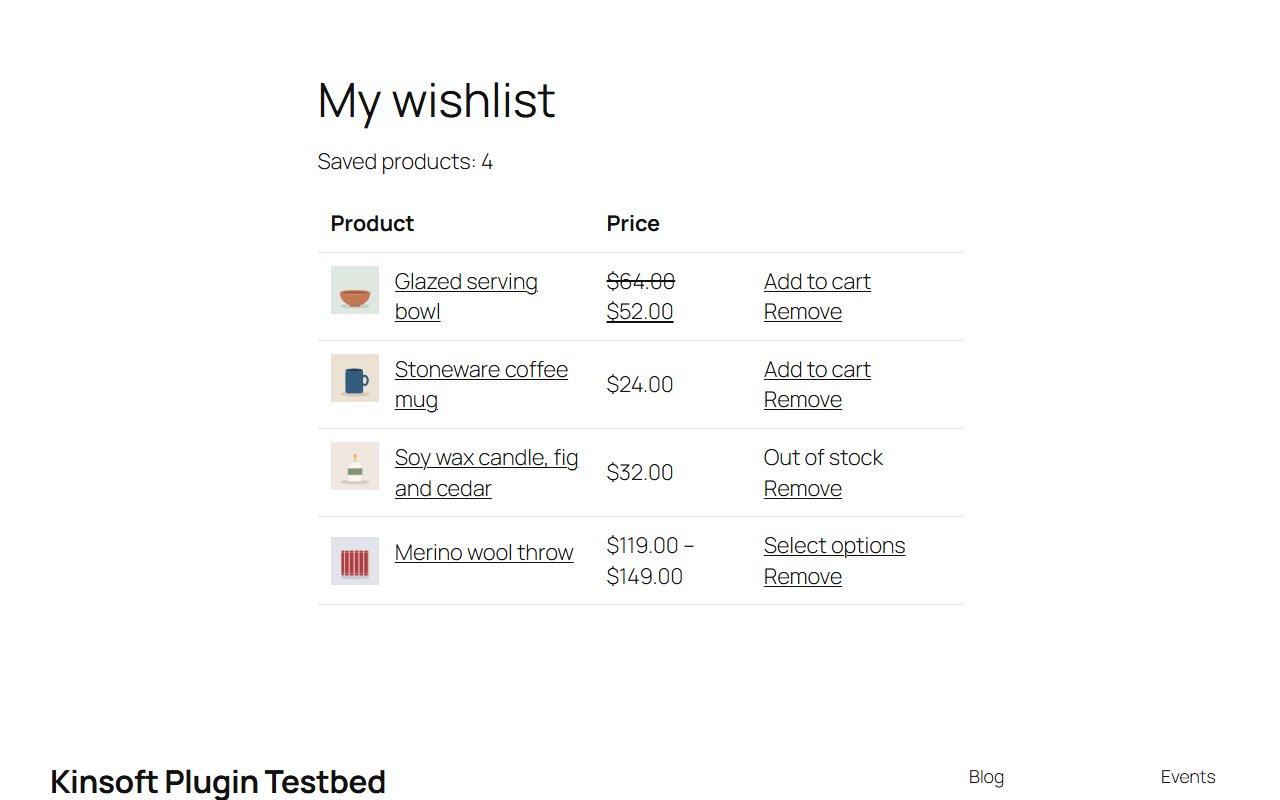
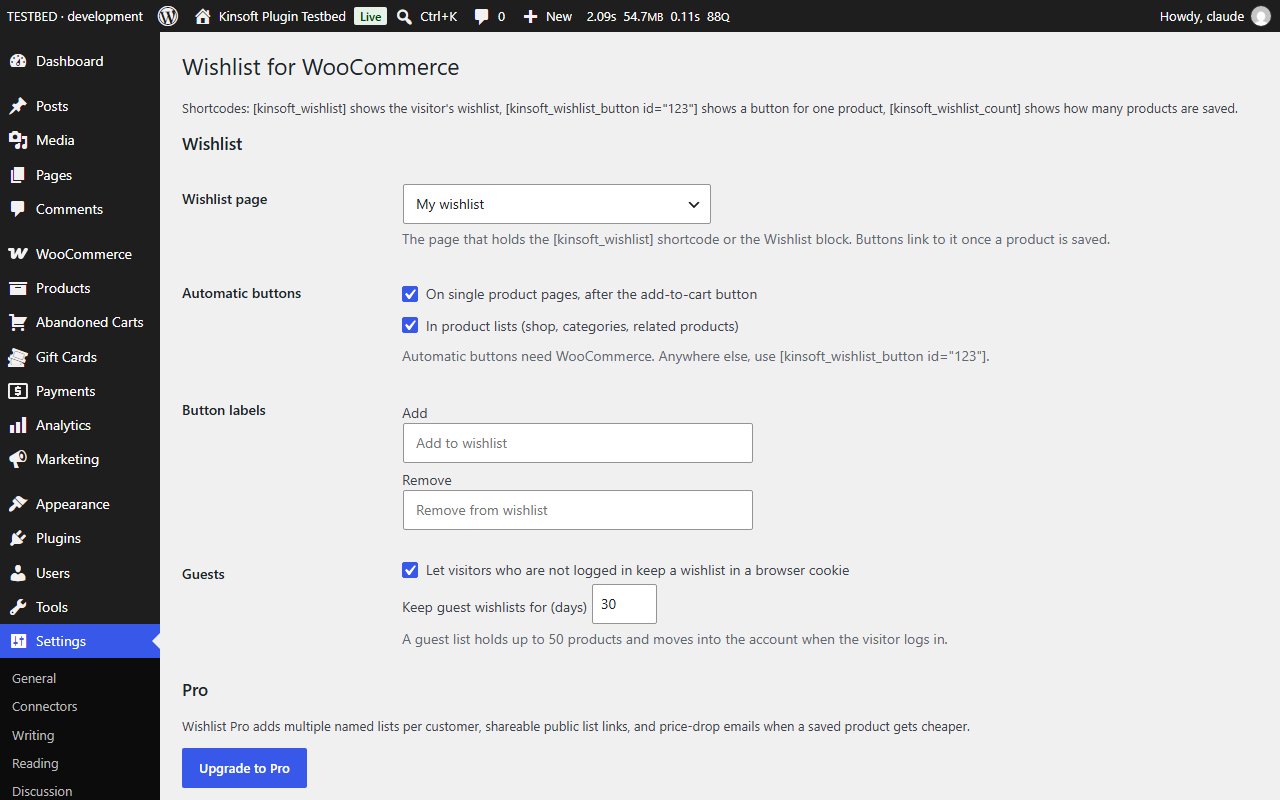
Wishlist for WooCommerce adds an "Add to wishlist" button to your shop so customers can save products they like and come back to them later. Customers do not need an account: a guest's wishlist is kept in their browser and moves into their account as soon as they log in.
Wishlist for WooCommerce Pro
$39 per year, single site
Everything in Free, plus:
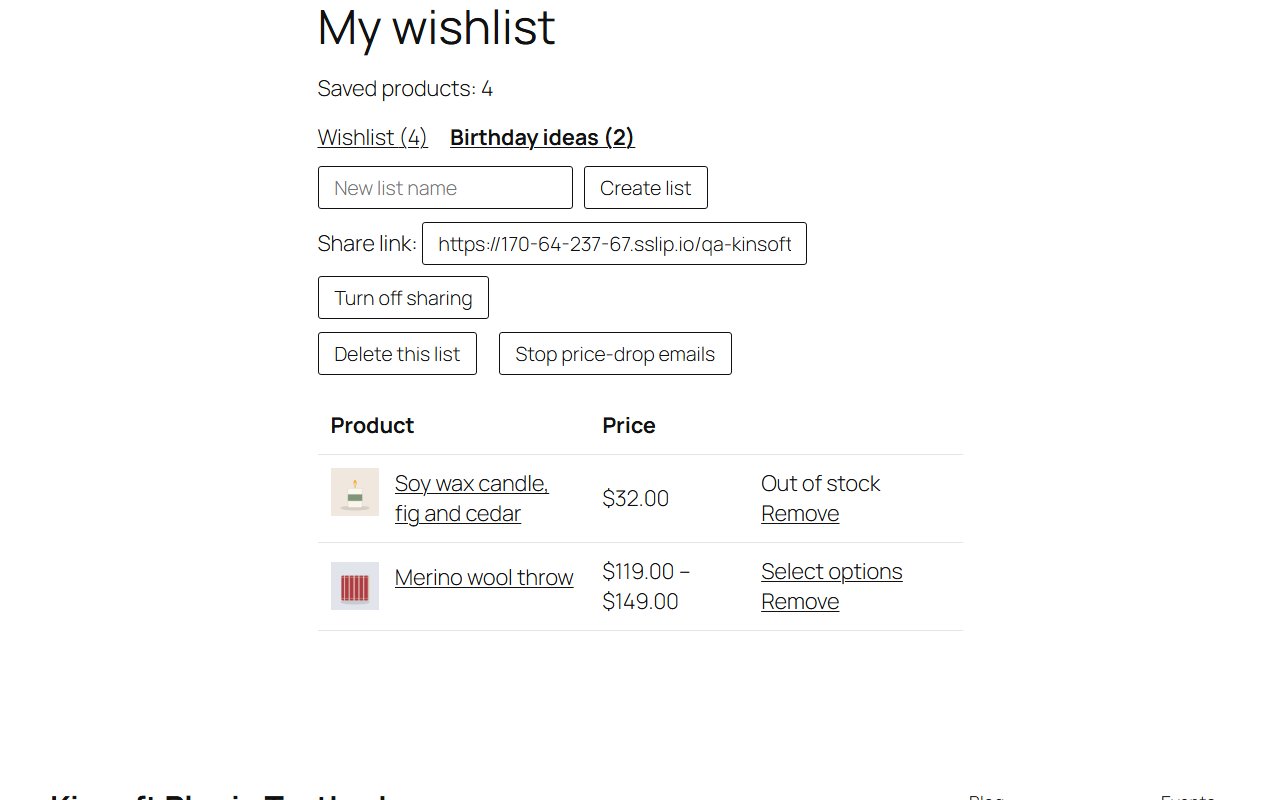
- **Multiple named lists** – customers create lists such as "Birthday" or "Kitchen", pick a list when they save a product, switch between lists on the wishlist page and delete lists they no longer need. You set how many lists each customer can have.
- **Share links** – one click creates a public, read-only link to a list, ready to send to friends and family. The link carries a random token and stops working the moment the customer turns sharing off.
- **Price-drop emails** – customers can ask to be emailed when products on their lists get cheaper. A daily check compares today's prices with the prices when the products were saved and sends one email listing the drops. You can set a minimum drop, such as 5%.
Screenshots
Pro pricing
One licence covers updates and support for a year. Pick the number of sites you run it on.
Checkout and licensing run on Freemius, our merchant of record. 14-day money-back guarantee. Prices in USD; any applicable tax is shown at checkout.
Requirements
WordPress 6.4 or newer (tested up to 7.1), PHP 7.4 or newer. Works with the block editor and the classic editor.
Installation
- Download the free version or start the Pro trial above. Freemius emails you the zip and, for Pro, your licence key.
- In WordPress go to Plugins → Add New → Upload Plugin, choose the zip and activate it.
- Pro: paste the licence key when the plugin asks for it, or later under the plugin's Account screen.
Stuck? Open a support ticket and include your WordPress and PHP versions.