Reviews v1.0.0
Star-rated reviews for any post type: a review form, moderation in Comments, average rating display, with photo reviews and schema in Pro.
No credit card for the trial. Pro from $3.25/mo, billed annually. 14-day money-back guarantee.
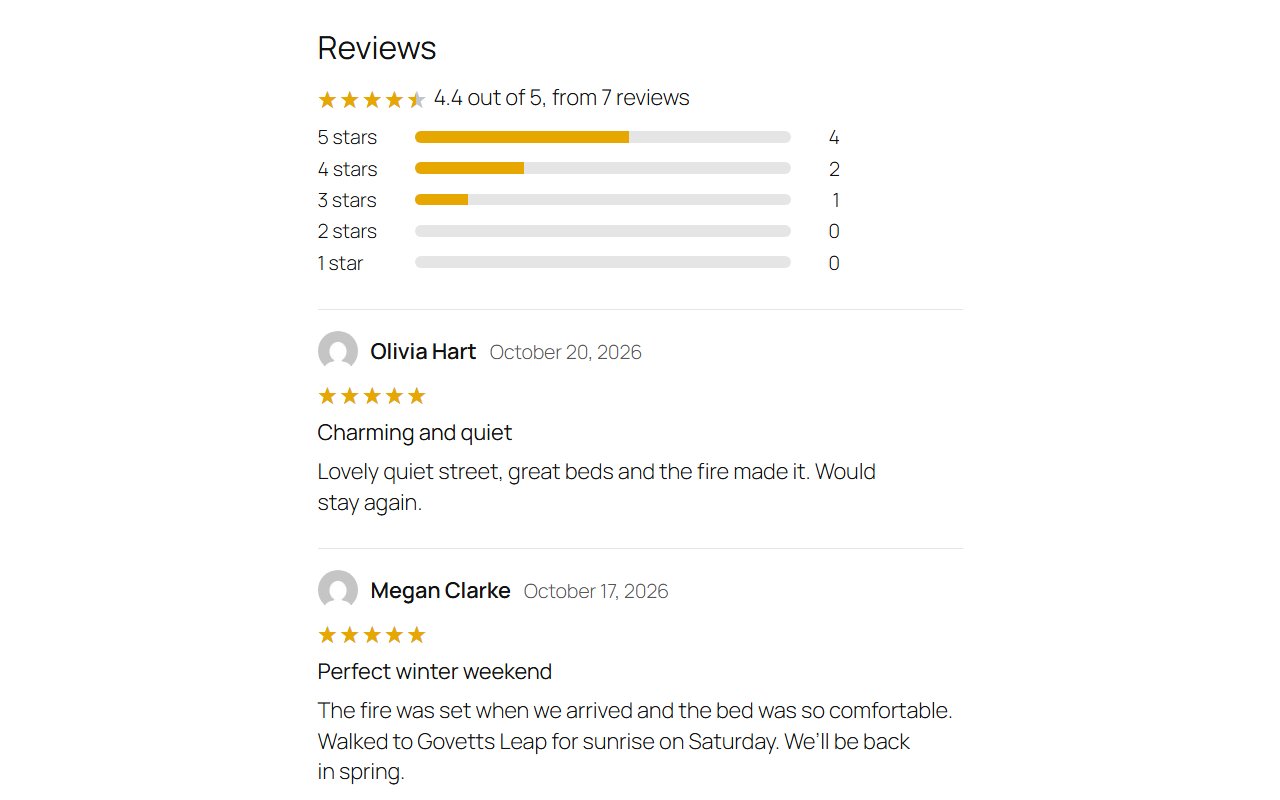
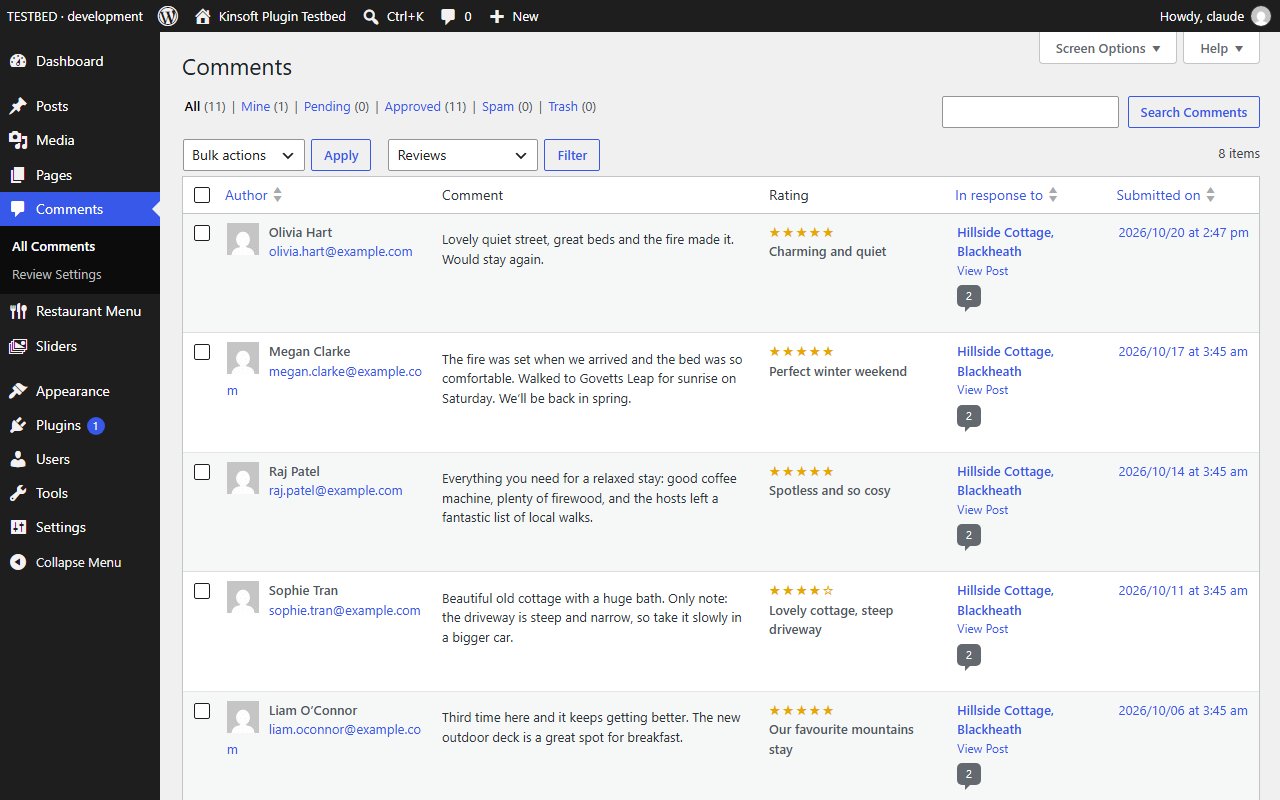
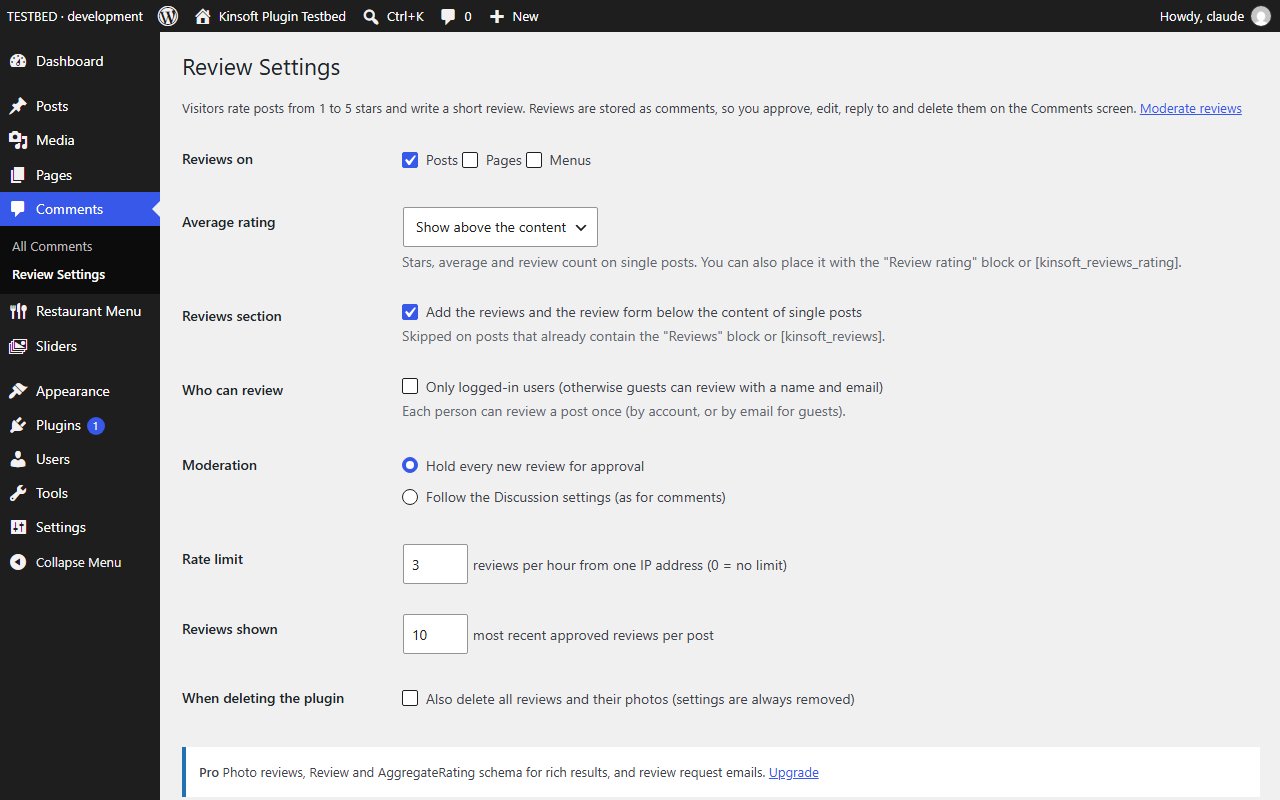
Reviews lets visitors rate your posts, pages, products or any public post type from 1 to 5 stars and write a short review. You moderate reviews on the normal Comments screen, and each post shows its average rating and review count.
Reviews Pro
$39 per year, single site
Everything in Free, plus:
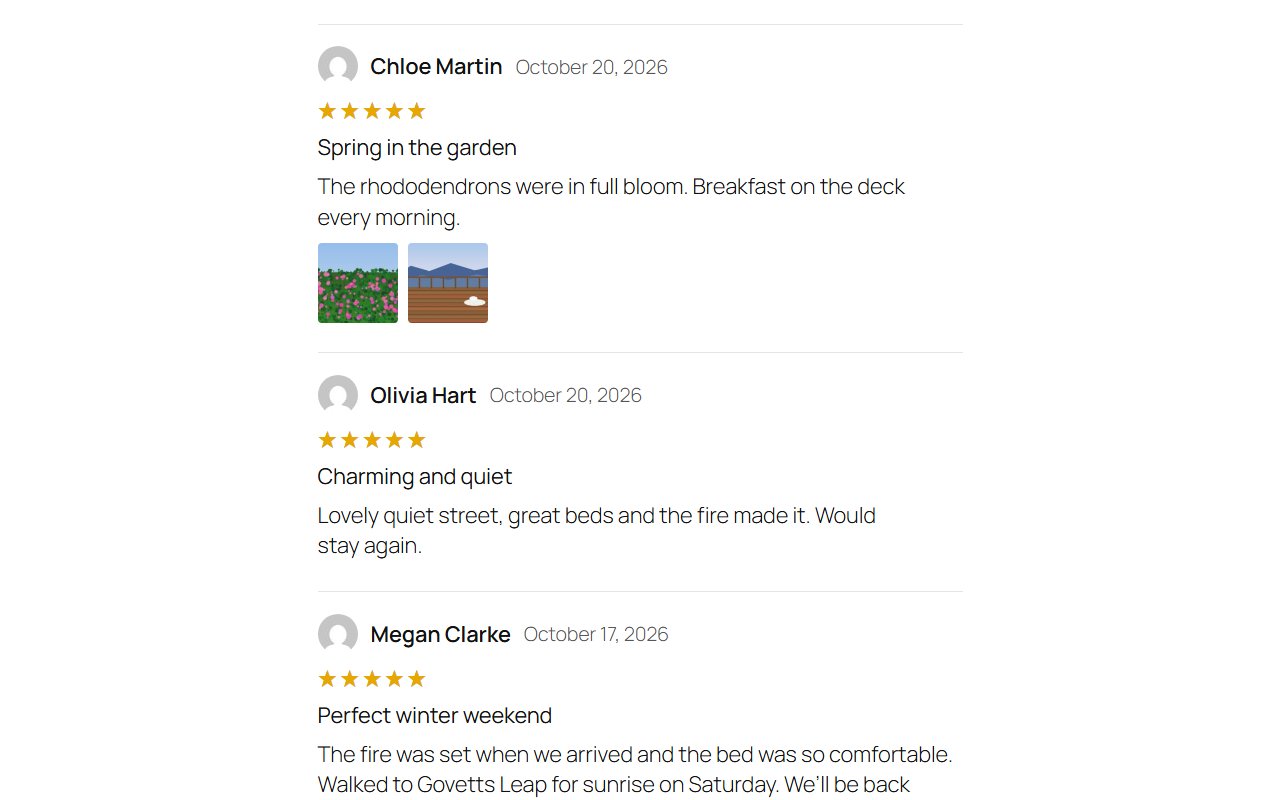
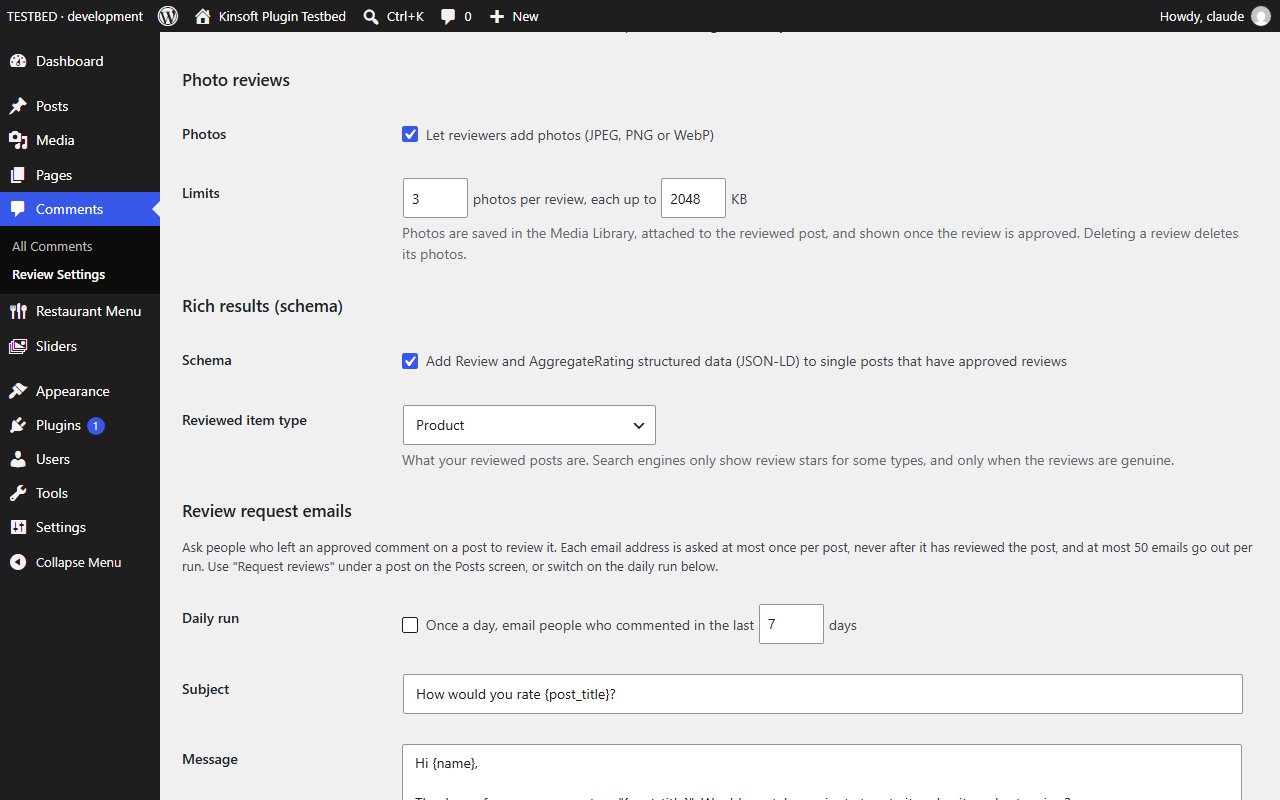
- Photo reviews
- Review schema
- Review request emails
Screenshots
Pro pricing
One licence covers updates and support for a year. Pick the number of sites you run it on.
Checkout and licensing run on Freemius, our merchant of record. 14-day money-back guarantee. Prices in USD; any applicable tax is shown at checkout.
Requirements
WordPress 6.4 or newer (tested up to 7.1), PHP 7.4 or newer. Works with the block editor and the classic editor.
Installation
- Download the free version or start the Pro trial above. Freemius emails you the zip and, for Pro, your licence key.
- In WordPress go to Plugins → Add New → Upload Plugin, choose the zip and activate it.
- Pro: paste the licence key when the plugin asks for it, or later under the plugin's Account screen.
Stuck? Open a support ticket and include your WordPress and PHP versions.