Restaurant Menu v1.0.0
Restaurant menus with dishes, prices and allergens, a menu block and Menu schema. Pro adds Stripe ordering, daily specials and locations.
No credit card for the trial. Pro from $4.08/mo, billed annually. 14-day money-back guarantee.
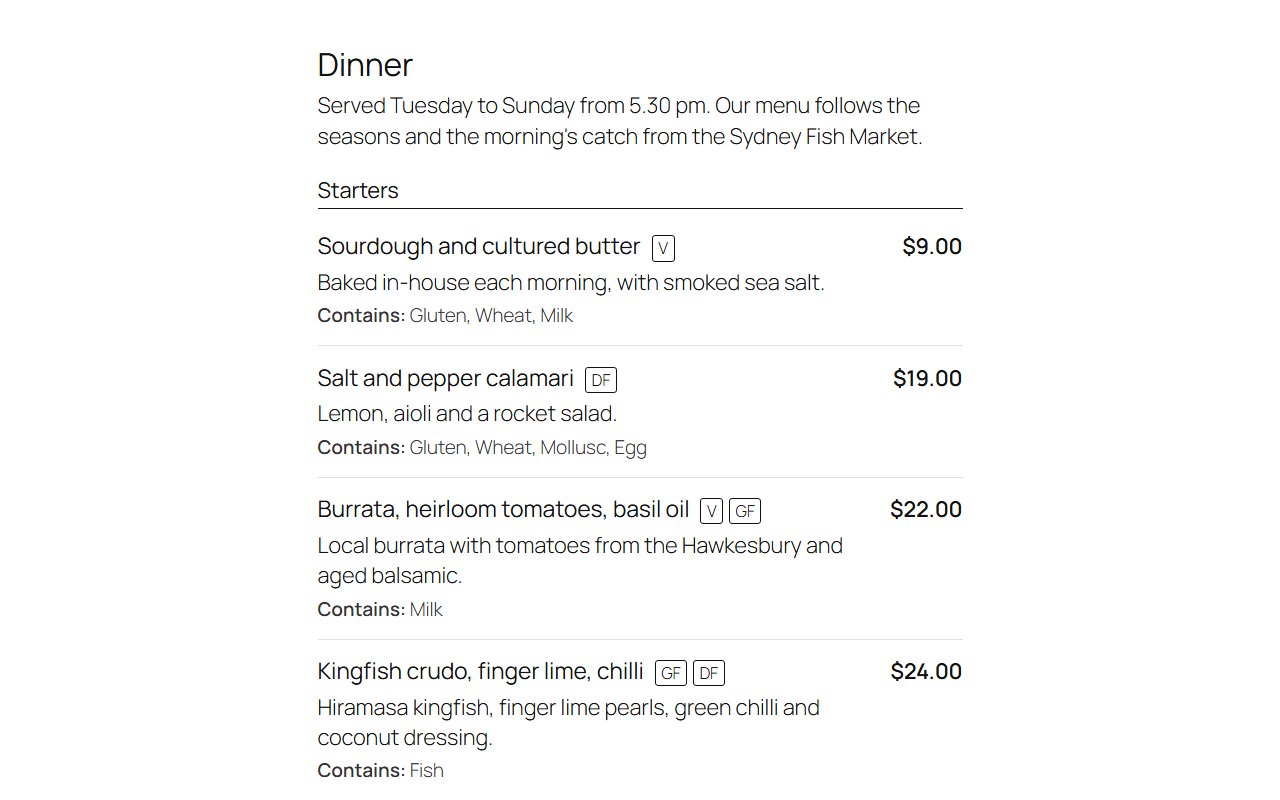
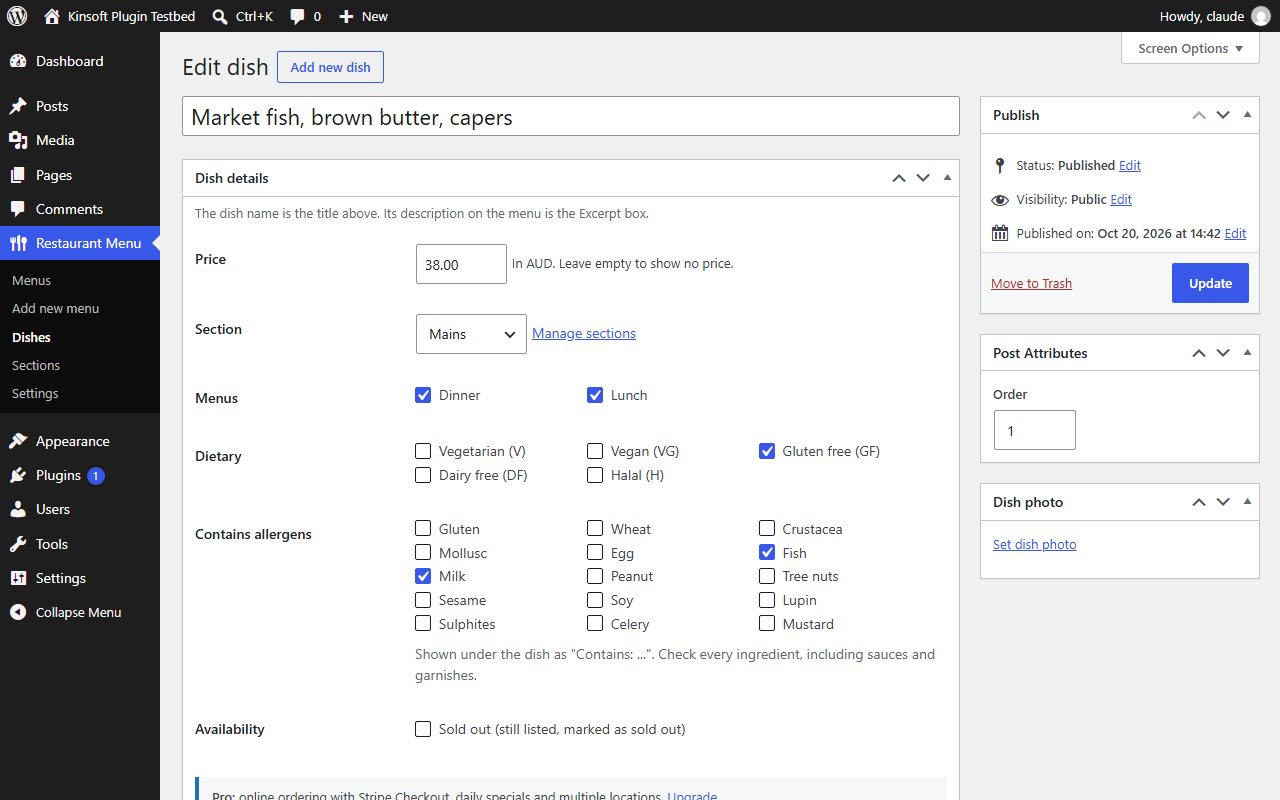
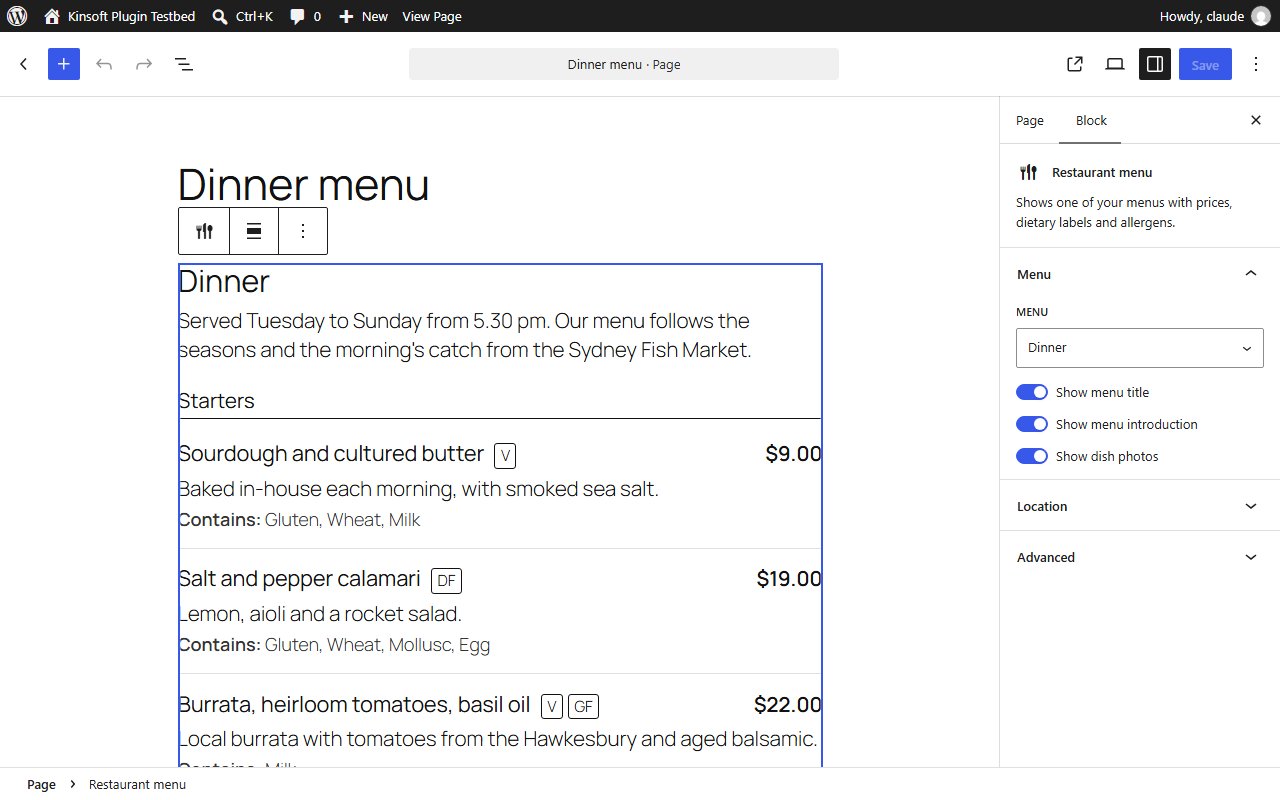
Restaurant Menu puts your menus on your website the way diners want to read them: dishes grouped into sections, clear prices, dietary labels and allergen information, on a fast page that works on any phone.
Restaurant Menu Pro
$49 per year, single site
Everything in Free, plus:
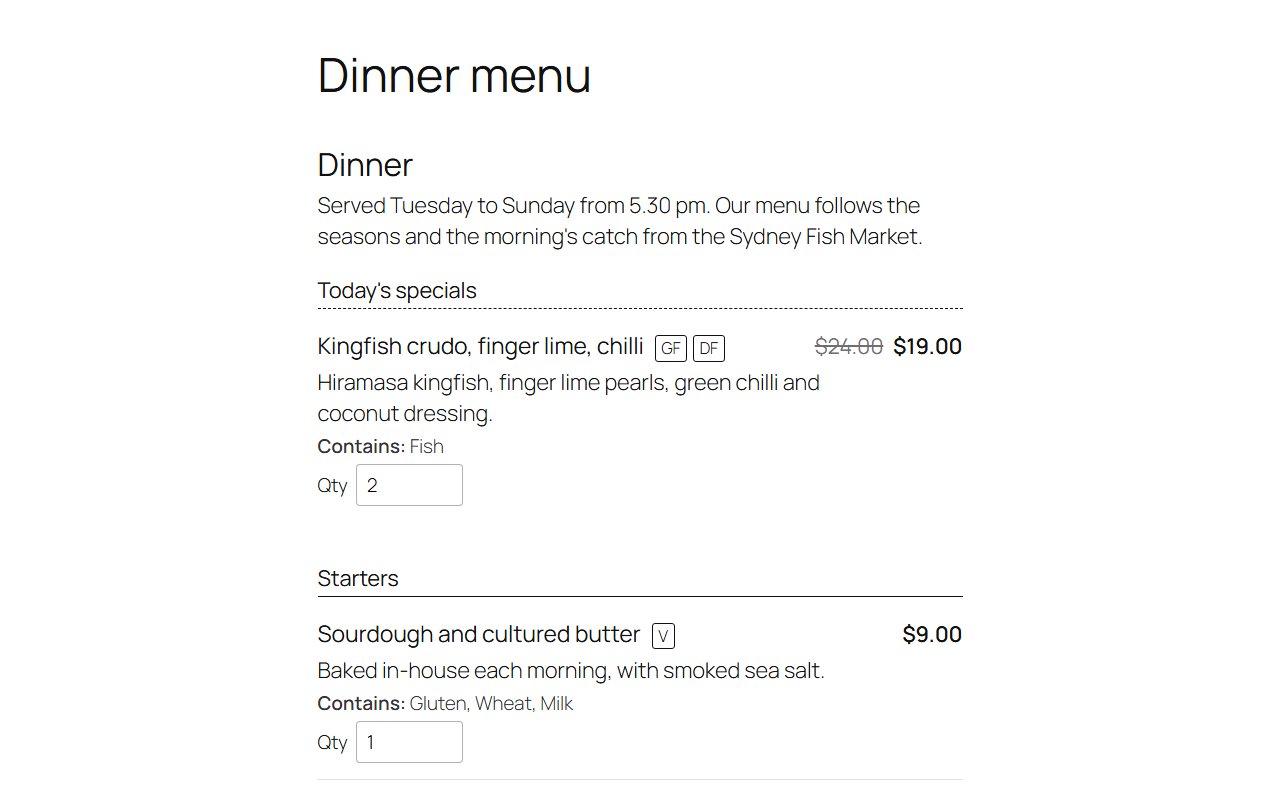
- Online ordering: customers choose quantities right on the menu and pay on Stripe Checkout. Orders are for pickup, with an optional pickup time and kitchen notes. Prices are always taken from your menu, never from the browser.
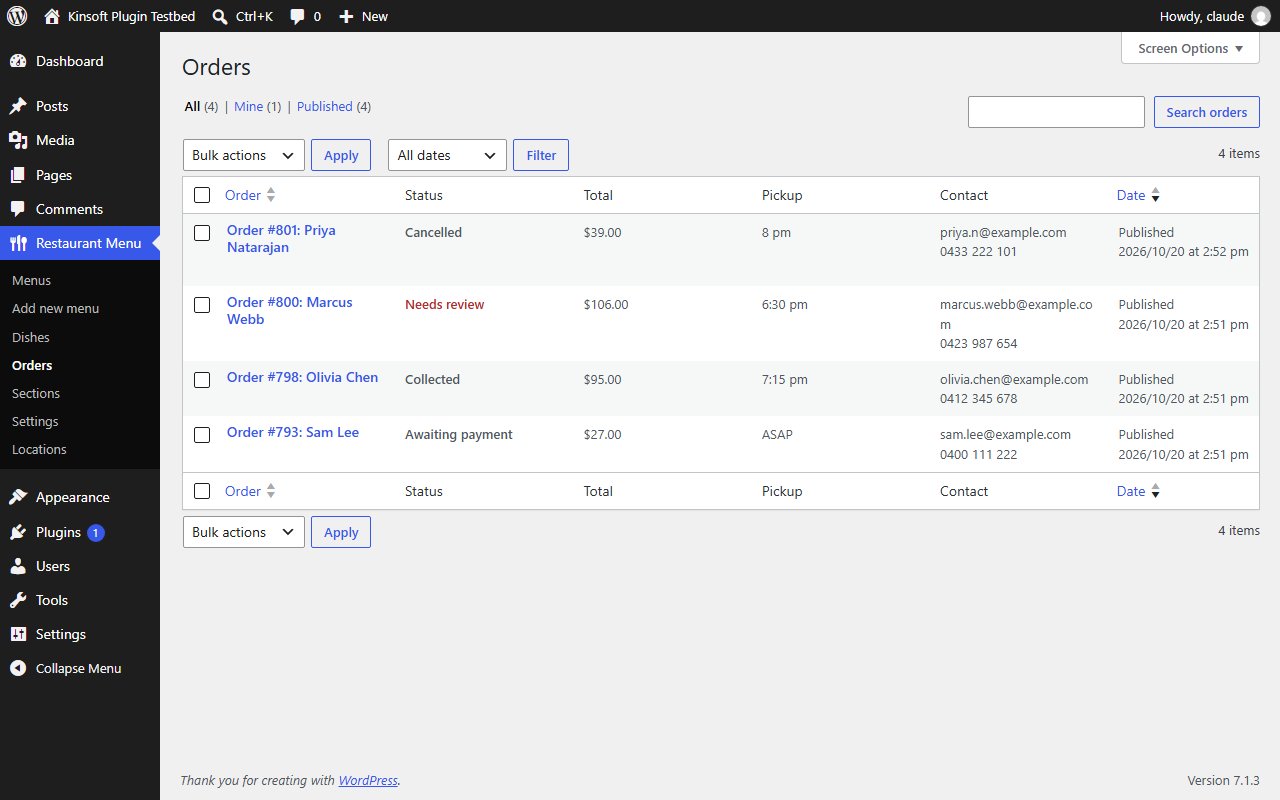
- An Orders screen with each order's dishes, customer details and status (awaiting payment, paid, collected, cancelled), plus an email to the kitchen and a confirmation to the customer when an order is paid.
- Daily specials: make a dish a special on chosen weekdays, with an optional special price. On those days it appears under "Today's specials" at the top of the menu.
- Multiple locations: give each location its address and phone, choose which dishes each location offers, show a location's menu with the block, and switch online ordering off per location. Schema becomes a Restaurant with the location's address.
Screenshots
Pro pricing
One licence covers updates and support for a year. Pick the number of sites you run it on.
Checkout and licensing run on Freemius, our merchant of record. 14-day money-back guarantee. Prices in USD; any applicable tax is shown at checkout.
Requirements
WordPress 6.4 or newer (tested up to 7.1), PHP 7.4 or newer. Works with the block editor and the classic editor.
Installation
- Download the free version or start the Pro trial above. Freemius emails you the zip and, for Pro, your licence key.
- In WordPress go to Plugins → Add New → Upload Plugin, choose the zip and activate it.
- Pro: paste the licence key when the plugin asks for it, or later under the plugin's Account screen.
Stuck? Open a support ticket and include your WordPress and PHP versions.