PDF Embed v1.0.0
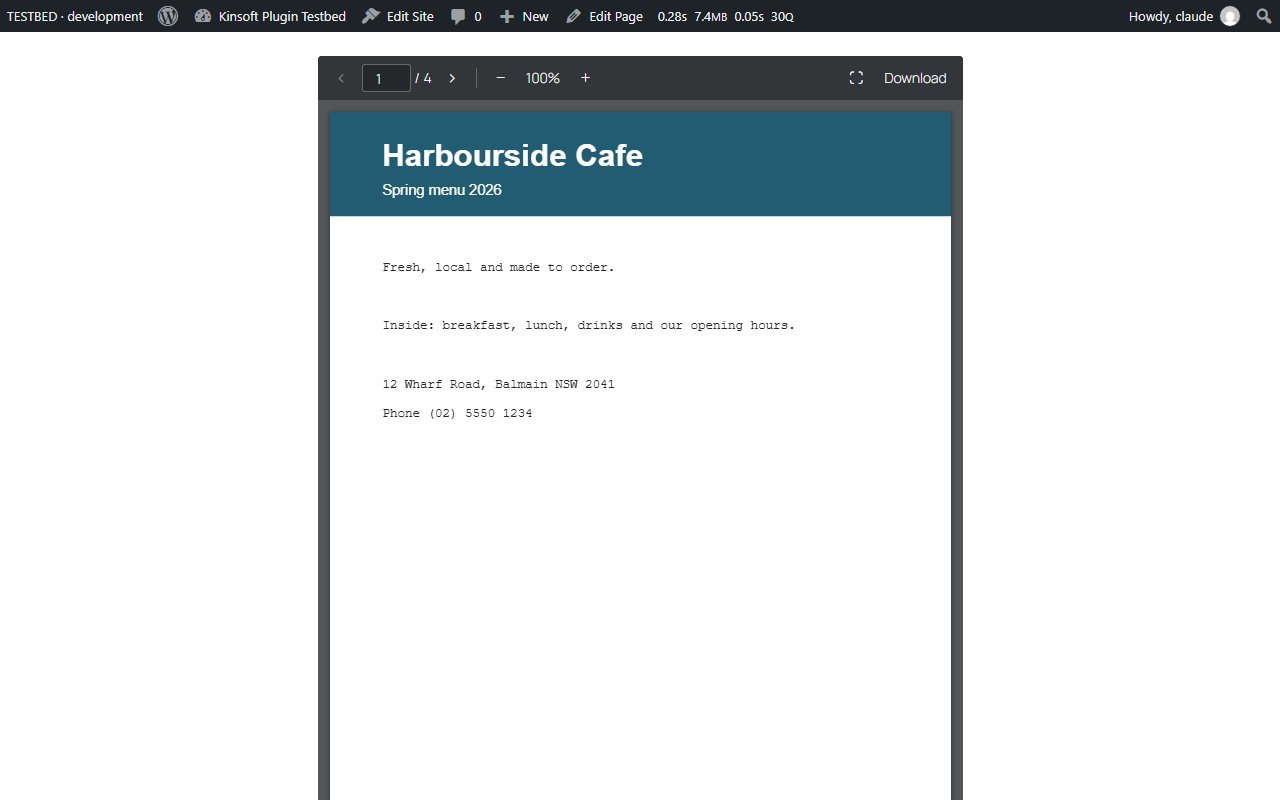
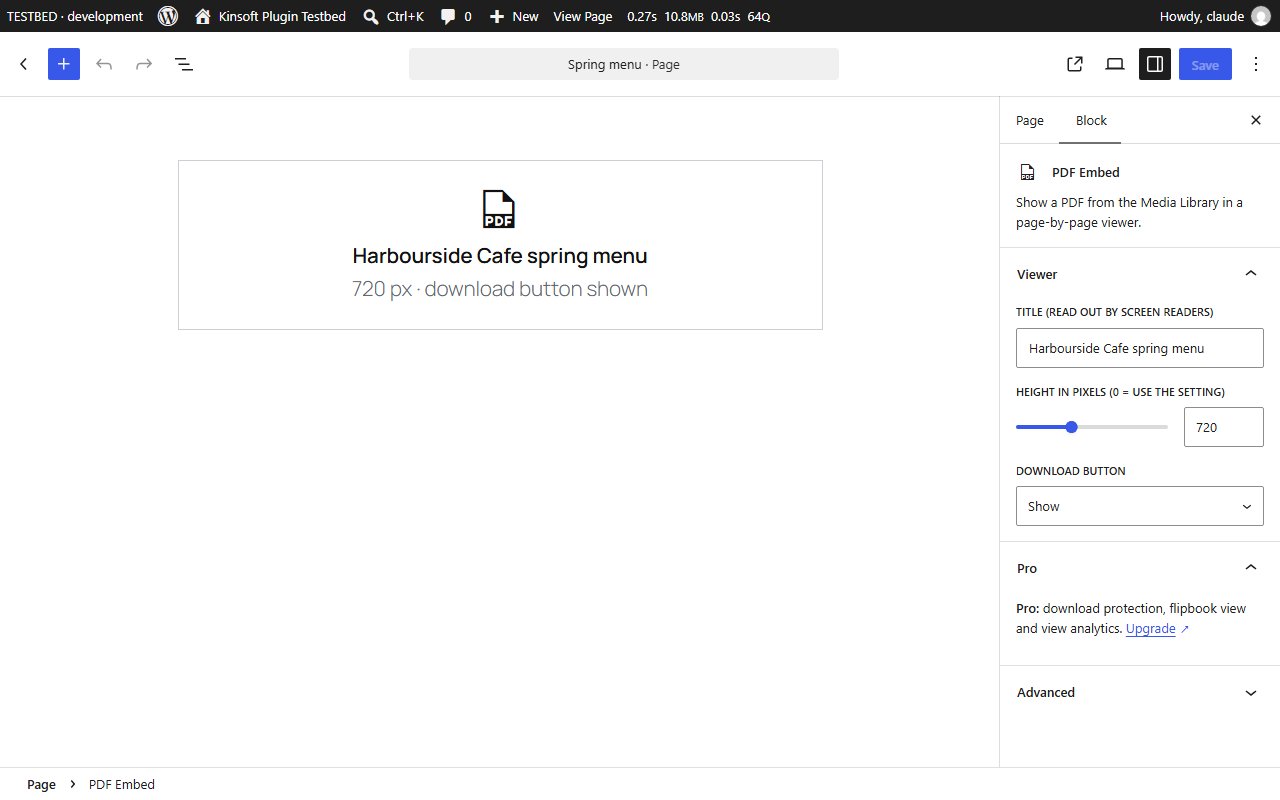
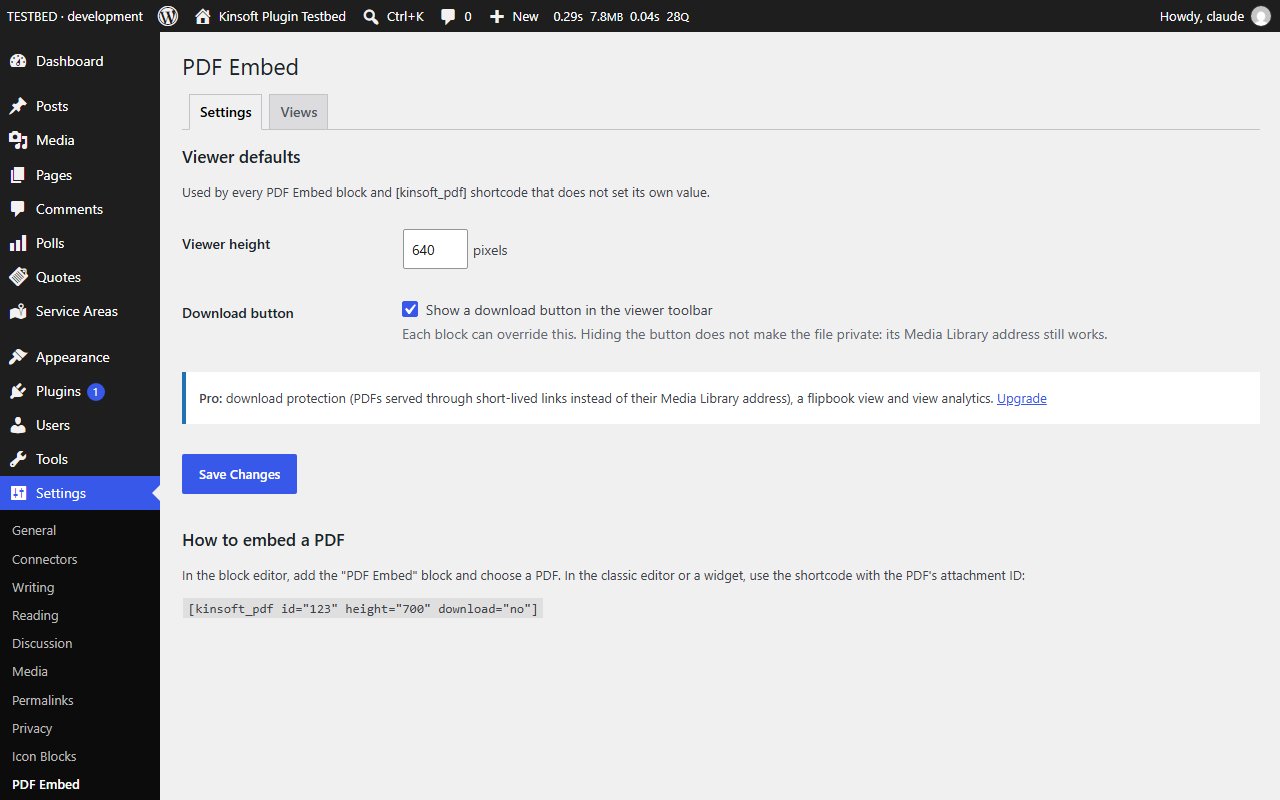
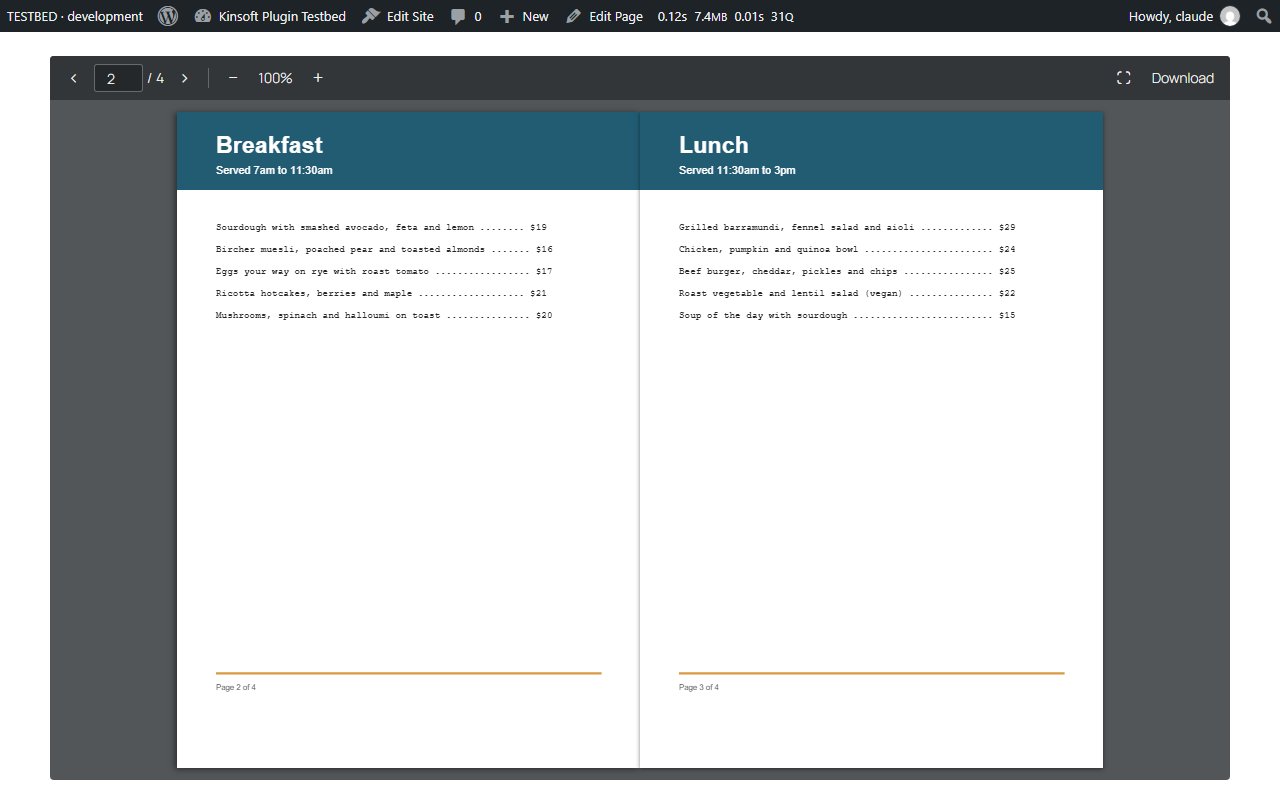
Embed PDFs in posts and pages with a built-in pdf.js viewer: page navigation, zoom, full screen and an optional download button.
No credit card for the trial. Pro from $3.25/mo, billed annually. 14-day money-back guarantee.
PDF Embed shows PDFs from your Media Library right inside your posts and pages. Visitors read them page by page without leaving your site, on desktop and mobile, with no browser plugin.
PDF Embed Pro
$39 per year, single site
Everything in Free, plus:
- Download protection
- Flipbook view
- View analytics
Screenshots
Pro pricing
One licence covers updates and support for a year. Pick the number of sites you run it on.
Checkout and licensing run on Freemius, our merchant of record. 14-day money-back guarantee. Prices in USD; any applicable tax is shown at checkout.
Requirements
WordPress 6.4 or newer (tested up to 7.1), PHP 7.4 or newer. Works with the block editor and the classic editor.
Installation
- Download the free version or start the Pro trial above. Freemius emails you the zip and, for Pro, your licence key.
- In WordPress go to Plugins → Add New → Upload Plugin, choose the zip and activate it.
- Pro: paste the licence key when the plugin asks for it, or later under the plugin's Account screen.
Stuck? Open a support ticket and include your WordPress and PHP versions.