Order Status Manager v1.0.0
Custom order statuses for WooCommerce with colours, bulk actions and customer emails. Pro adds SMS webhooks, automations and an order timeline.
No credit card for the trial. Pro from $4.08/mo, billed annually. 14-day money-back guarantee.
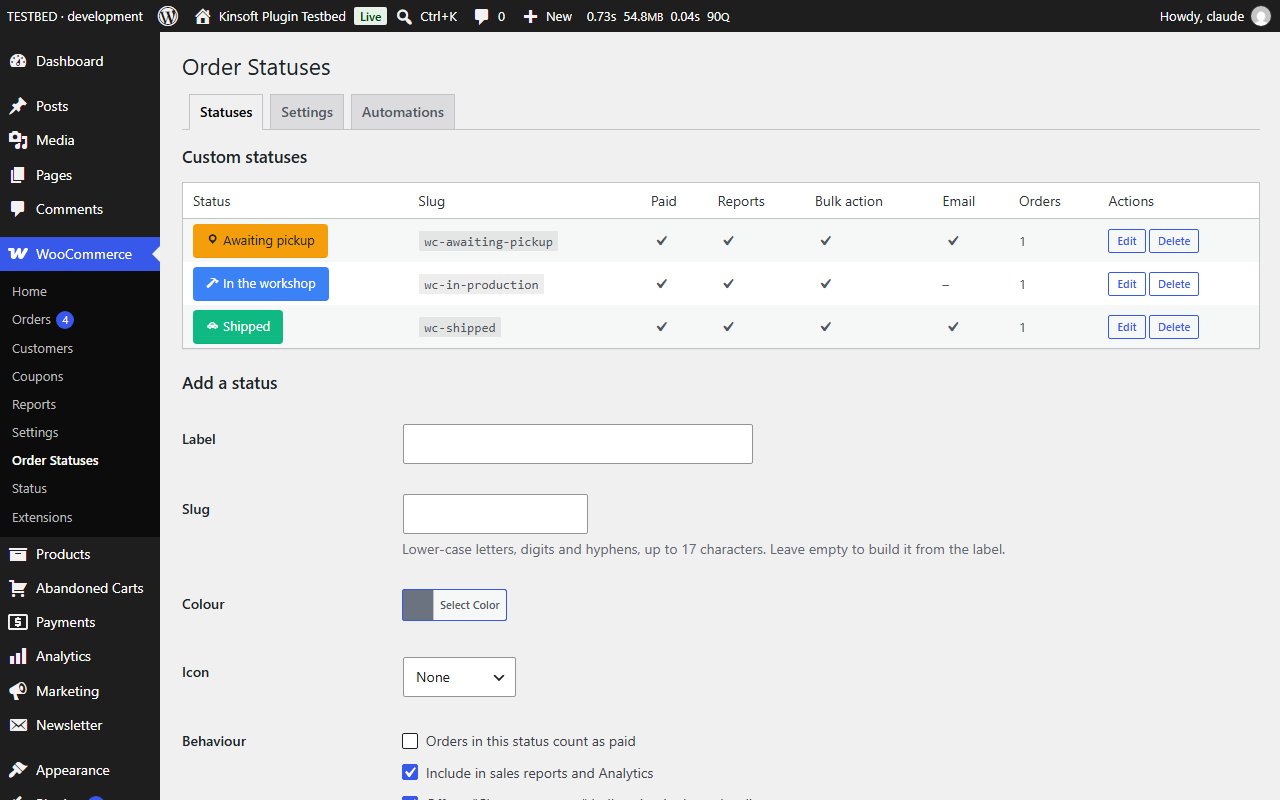
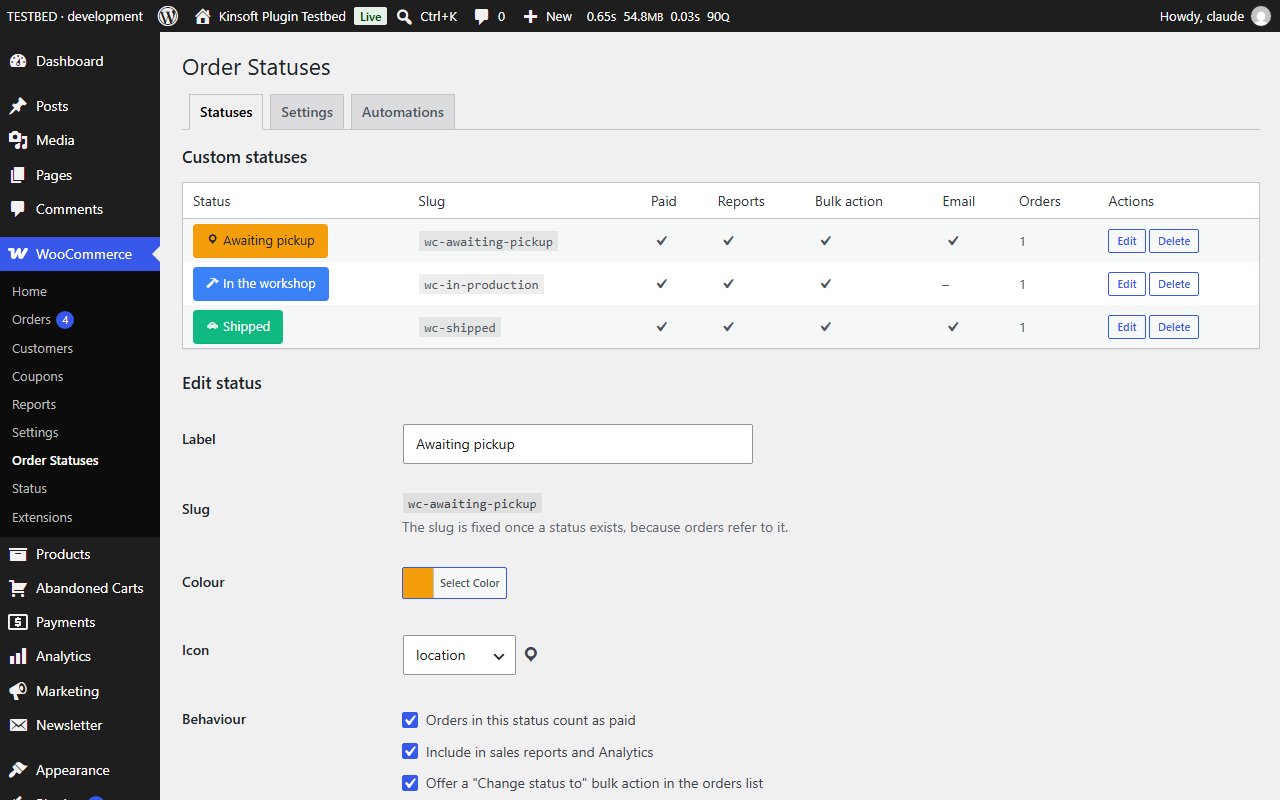
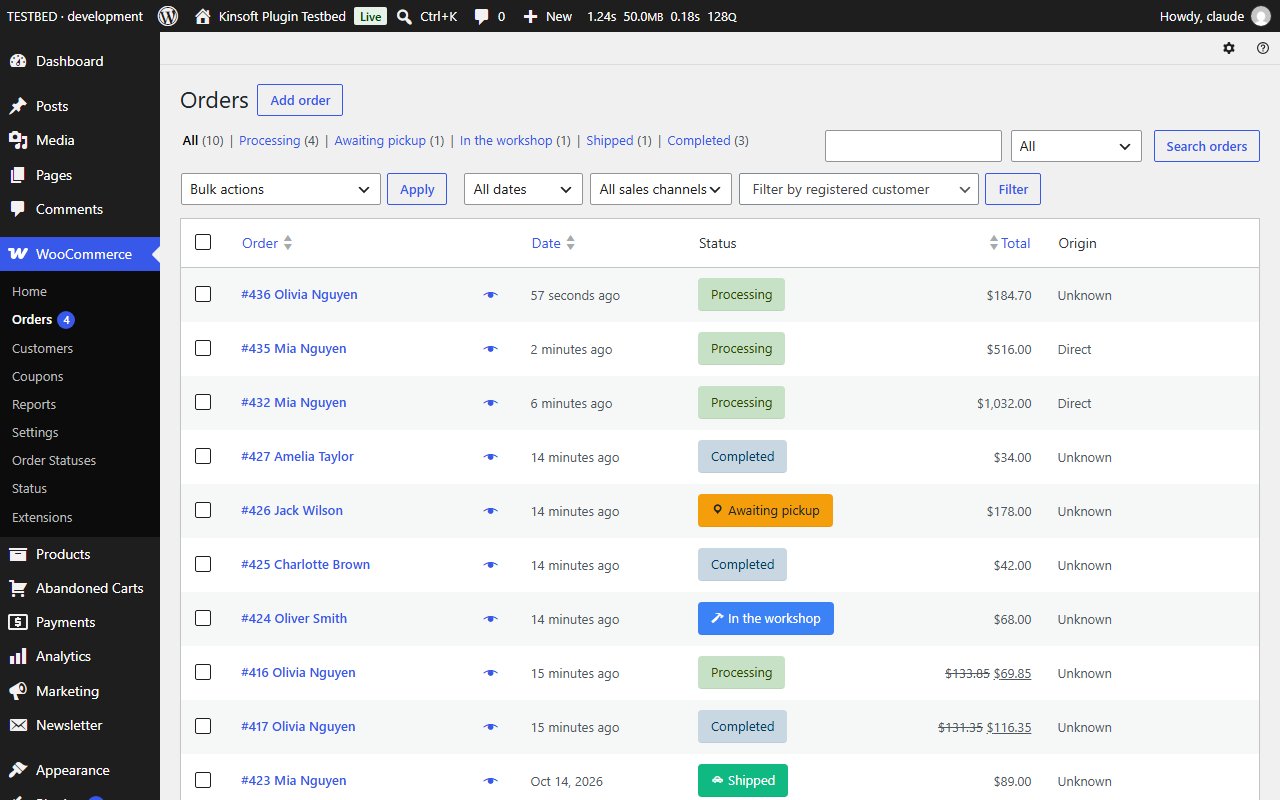
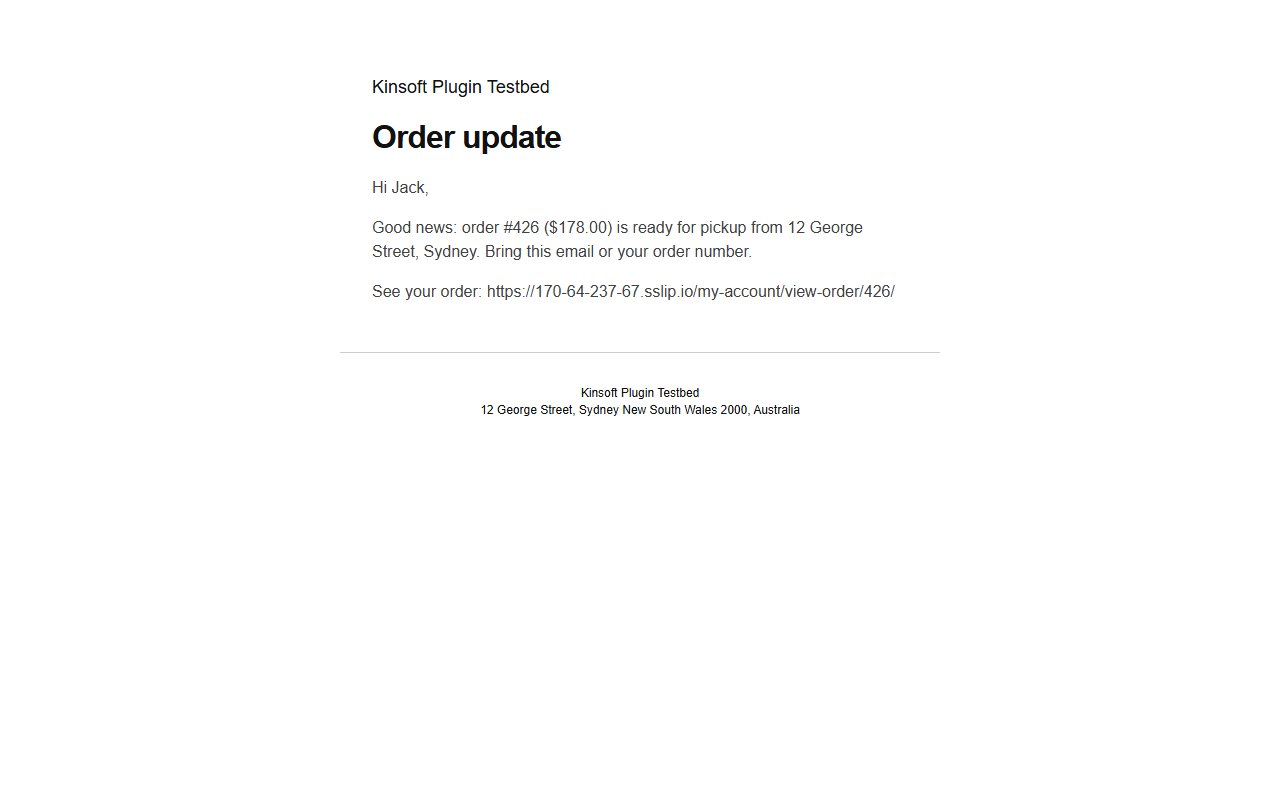
WooCommerce ships with a fixed set of order statuses. Real shops need more: "Awaiting pickup", "In production", "Shipped", "Awaiting stock". Order Status Manager lets you add your own statuses, colour-code them in the orders list and tell your customers when their order moves on.
Order Status Manager Pro
$49 per year, single site
Everything in Free, plus:
- Sms webhook
- Status automations
- Customer timeline
Screenshots
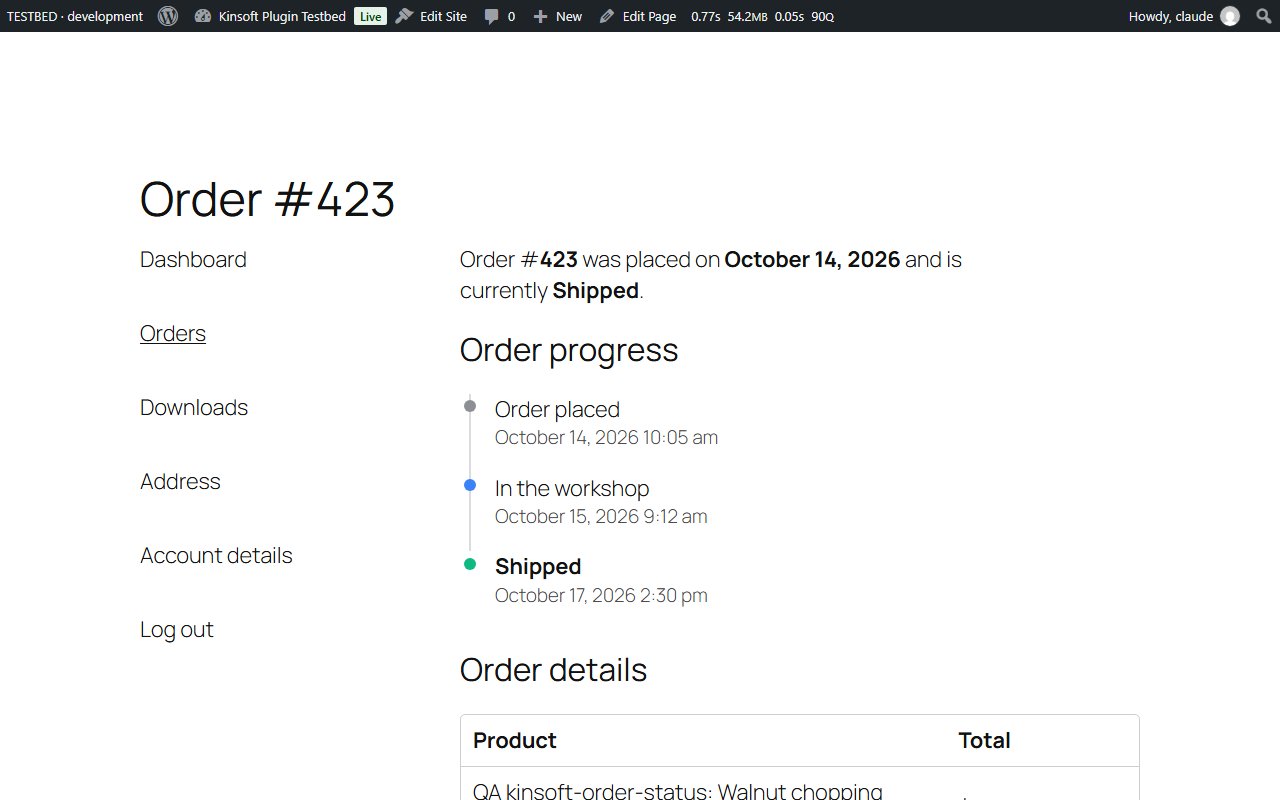
Pro pricing
One licence covers updates and support for a year. Pick the number of sites you run it on.
Checkout and licensing run on Freemius, our merchant of record. 14-day money-back guarantee. Prices in USD; any applicable tax is shown at checkout.
Requirements
WordPress 6.4 or newer (tested up to 7.1), PHP 7.4 or newer. Works with the block editor and the classic editor.
Installation
- Download the free version or start the Pro trial above. Freemius emails you the zip and, for Pro, your licence key.
- In WordPress go to Plugins → Add New → Upload Plugin, choose the zip and activate it.
- Pro: paste the licence key when the plugin asks for it, or later under the plugin's Account screen.
Stuck? Open a support ticket and include your WordPress and PHP versions.