Media Folders v1.0.0
Organise the media library into folders: a folder tree, drag-and-drop moving and folder filters. Pro adds upload rules, private folders and export.
No credit card for the trial. Pro from $4.08/mo, billed annually. 14-day money-back guarantee.
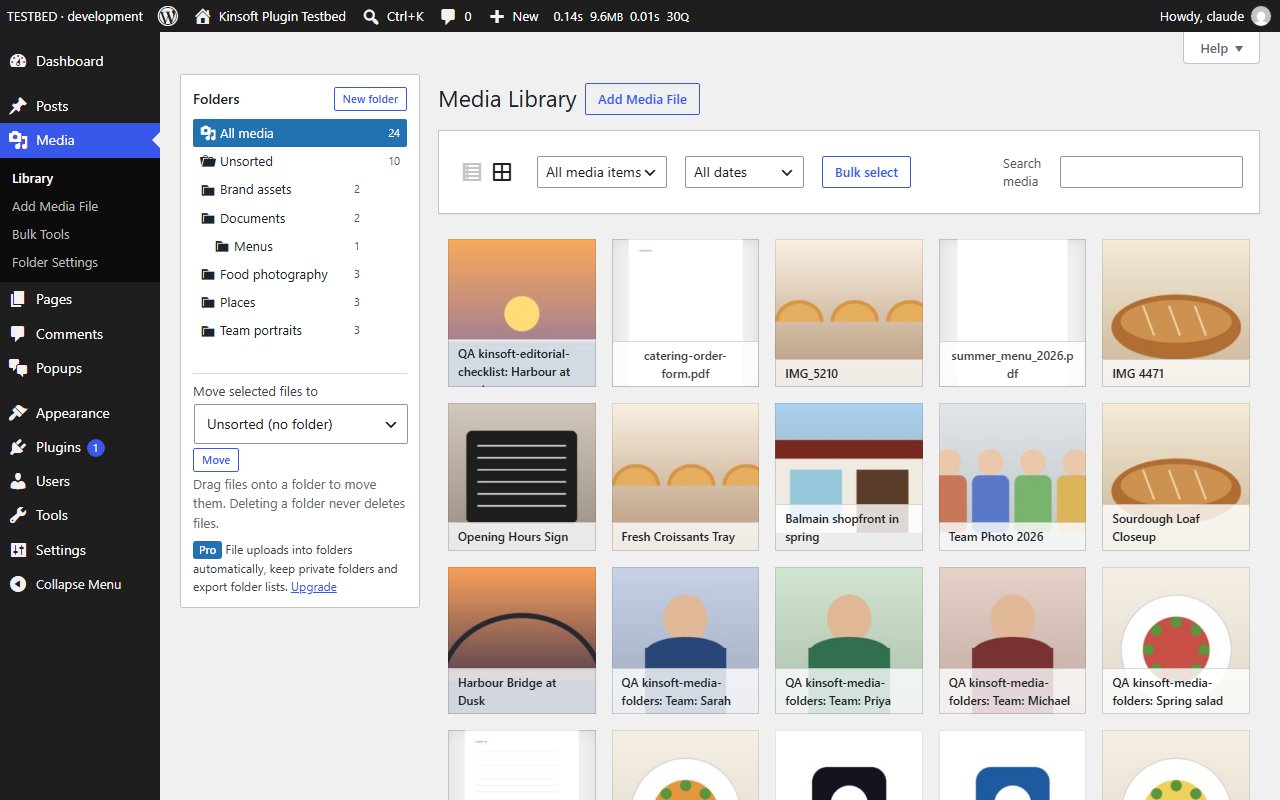
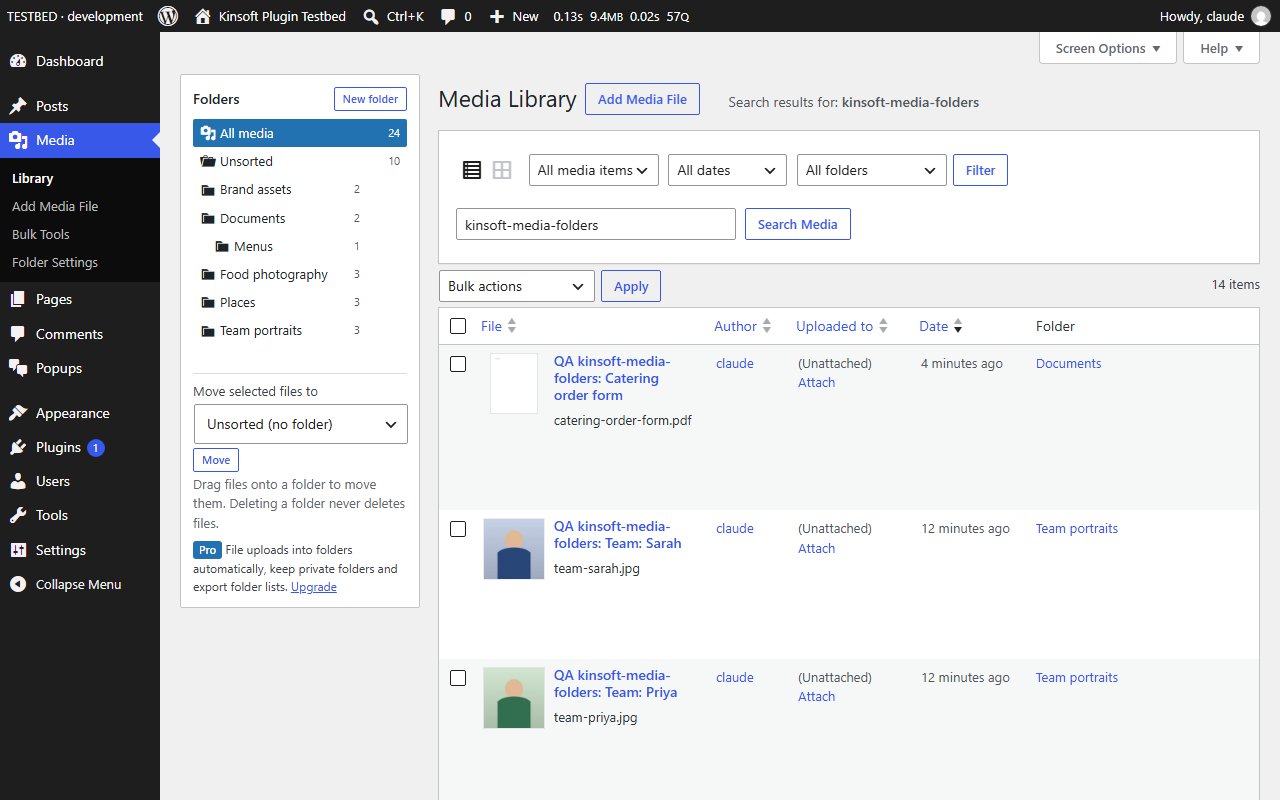
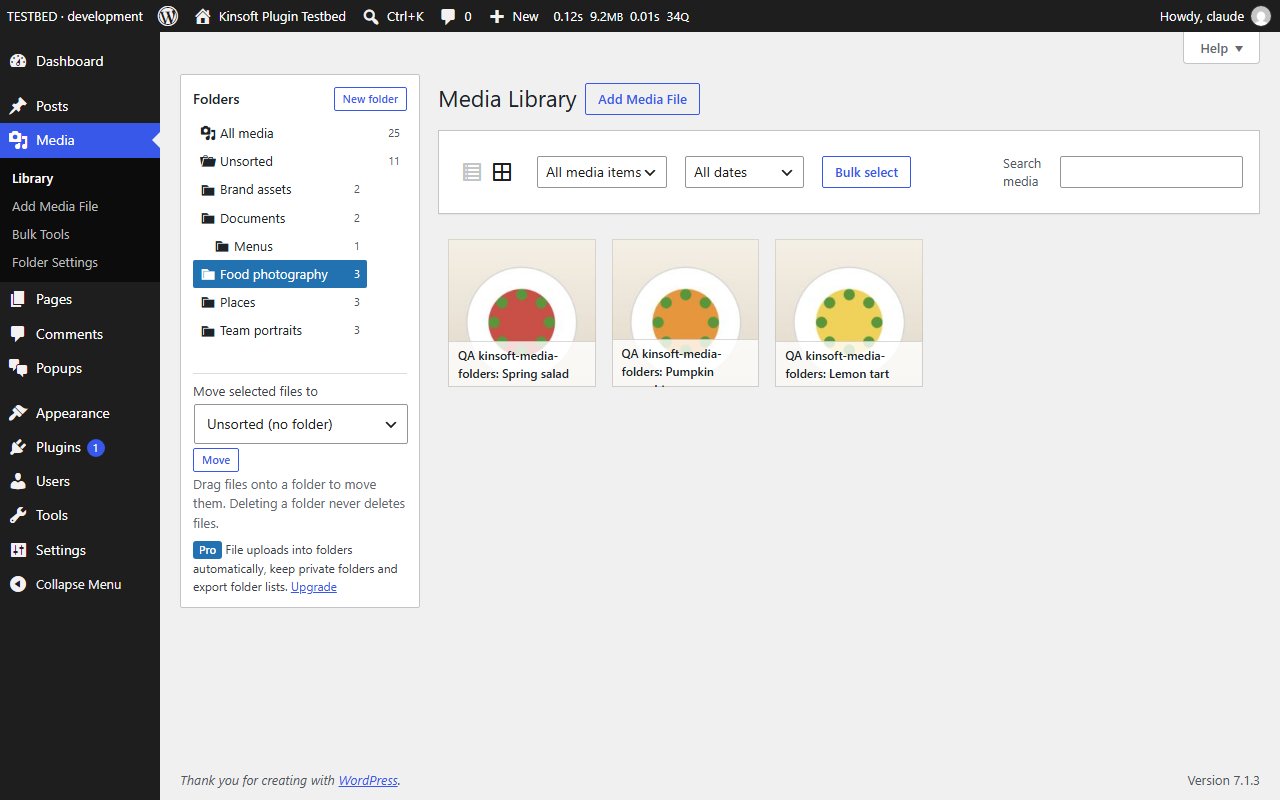
A busy Media Library turns into one long wall of thumbnails. Media Folders adds a folder tree beside the library so you can sort logos, product shots, PDFs and event photos into folders, and find them again in one click.
Media Folders Pro
$49 per year, single site
Everything in Free, plus:
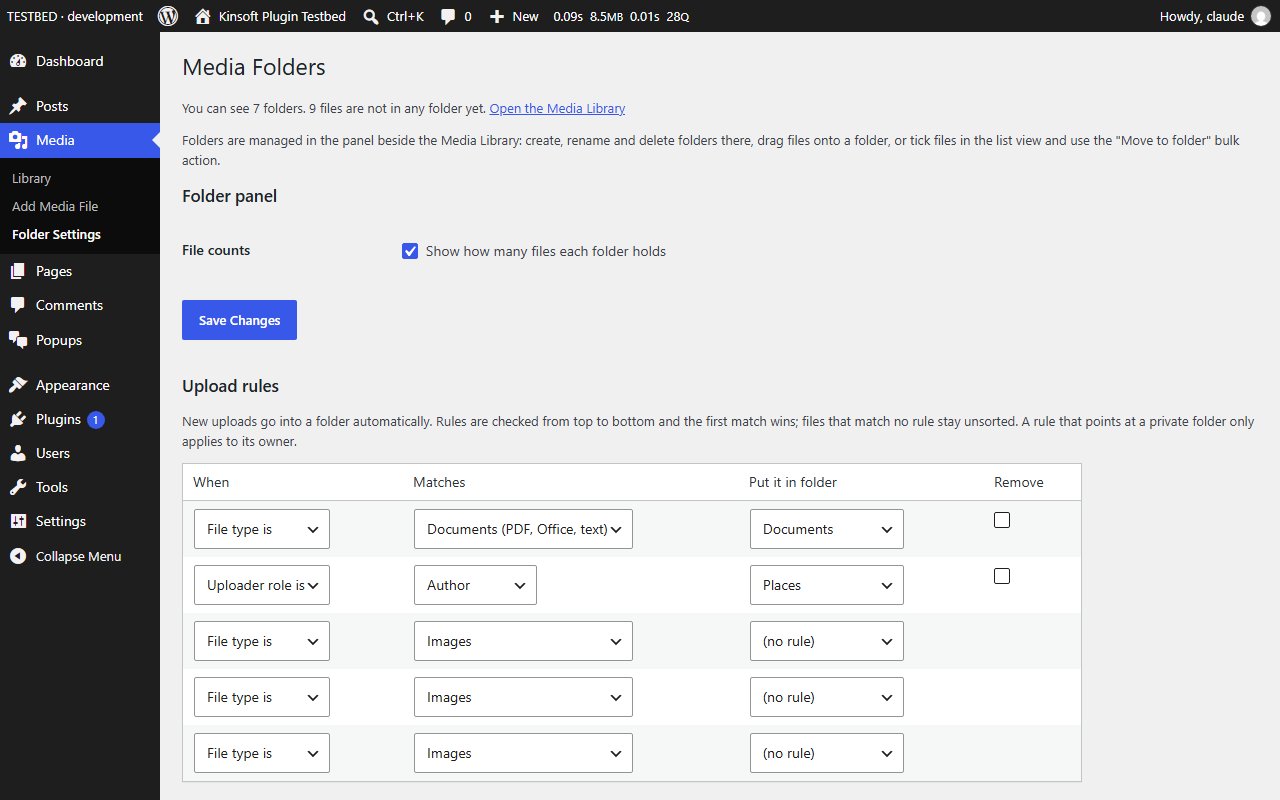
- **Upload rules** – file new uploads into folders automatically by file type (images, videos, audio, documents, archives), by the uploader's role, or by a particular uploader. Rules run top to bottom and the first match wins.
- **Private folders** – tick "Private" when you create a folder and only you will see it in the folder tree. Great for drafts and work in progress on a shared site.
- **Folder export** – download a CSV of which file is in which folder (folder path, ID, title, file path, URL, file type) for the whole library or one folder.
Screenshots
Pro pricing
One licence covers updates and support for a year. Pick the number of sites you run it on.
Checkout and licensing run on Freemius, our merchant of record. 14-day money-back guarantee. Prices in USD; any applicable tax is shown at checkout.
Requirements
WordPress 6.4 or newer (tested up to 7.1), PHP 7.4 or newer. Works with the block editor and the classic editor.
Installation
- Download the free version or start the Pro trial above. Freemius emails you the zip and, for Pro, your licence key.
- In WordPress go to Plugins → Add New → Upload Plugin, choose the zip and activate it.
- Pro: paste the licence key when the plugin asks for it, or later under the plugin's Account screen.
Stuck? Open a support ticket and include your WordPress and PHP versions.