Icon Blocks v1.0.0
Icon block with 300 bundled SVG icons, colour and size controls, and an icon list block. Pro adds custom SVG uploads, icon sets and animations.
No credit card for the trial. Pro from $1.58/mo, billed annually. 14-day money-back guarantee.
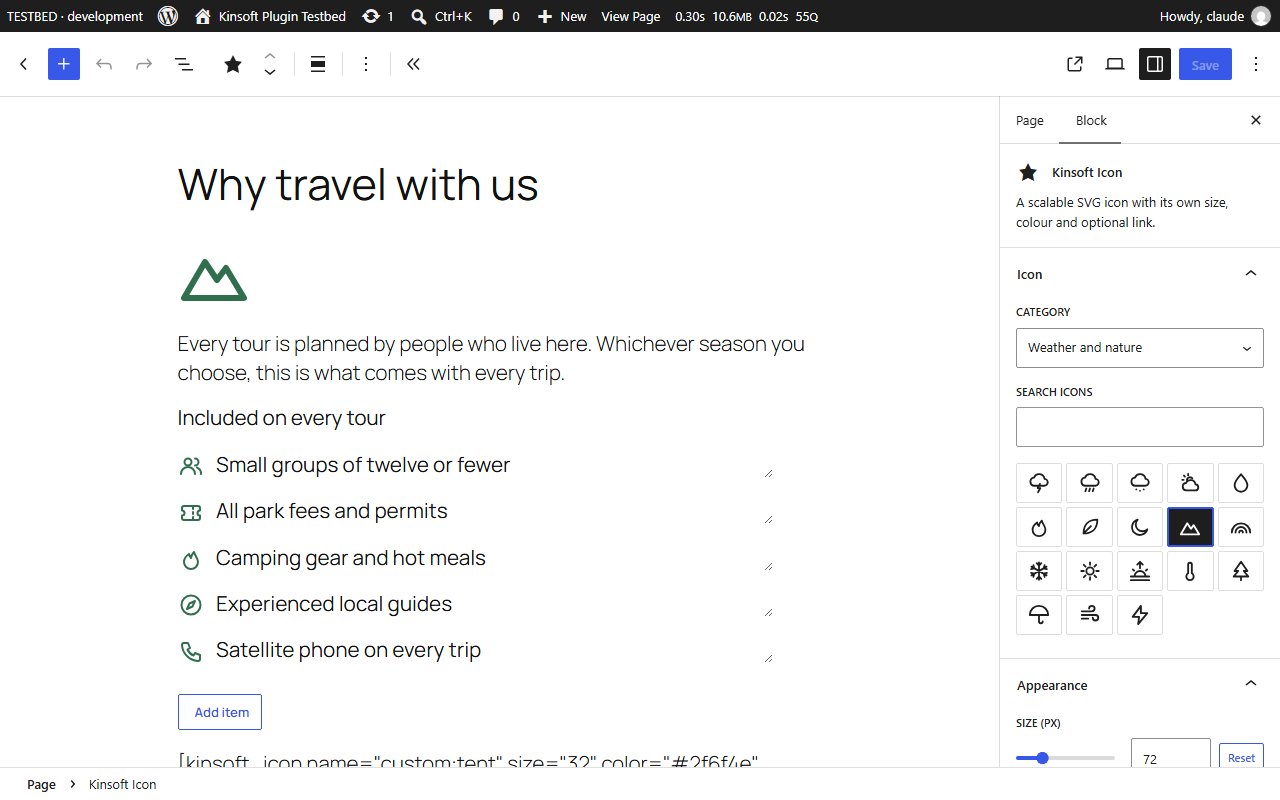
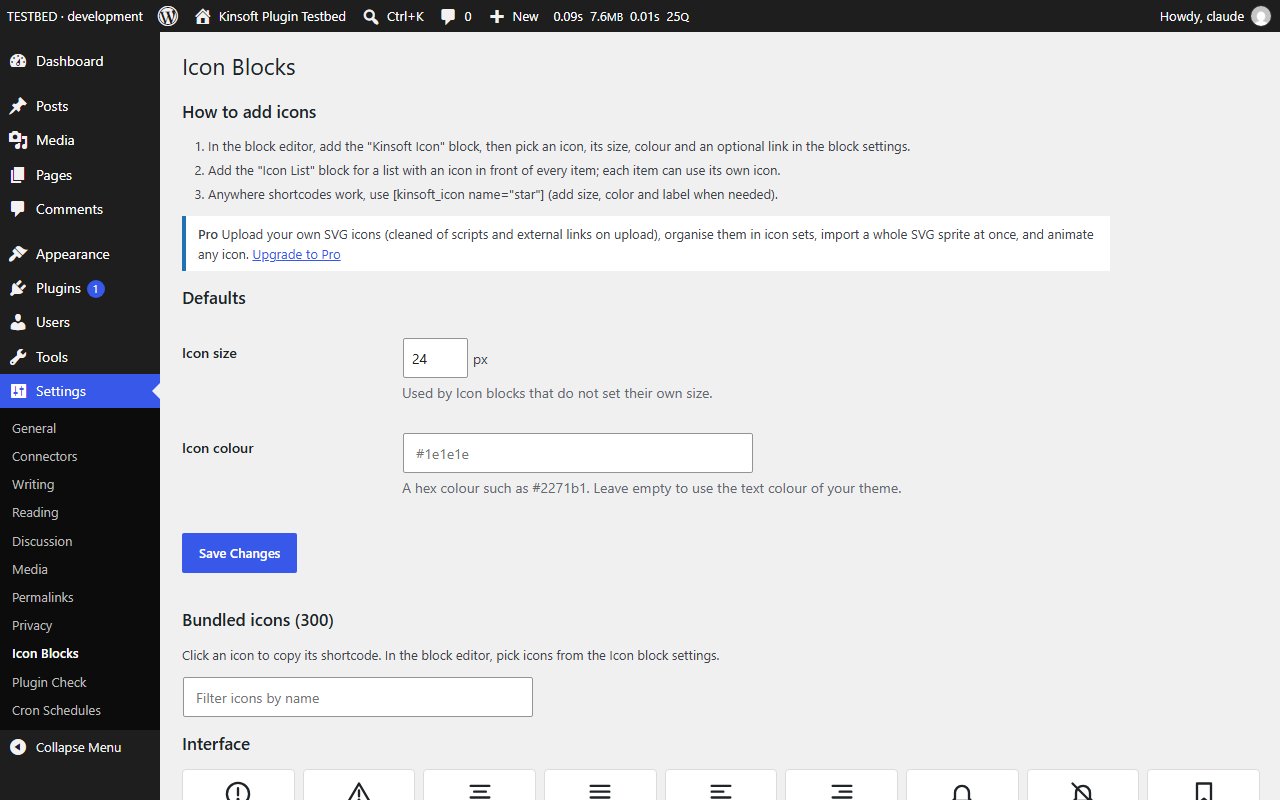
Add crisp, lightweight icons anywhere in the block editor. Pick from 300 icons drawn for this plugin, set the size and colour, link it if you like, and you are done. There is no icon font to download and nothing is loaded from another website: each icon is a few hundred bytes of inline SVG.
Icon Blocks Pro
$19 per year, single site
Everything in Free, plus:
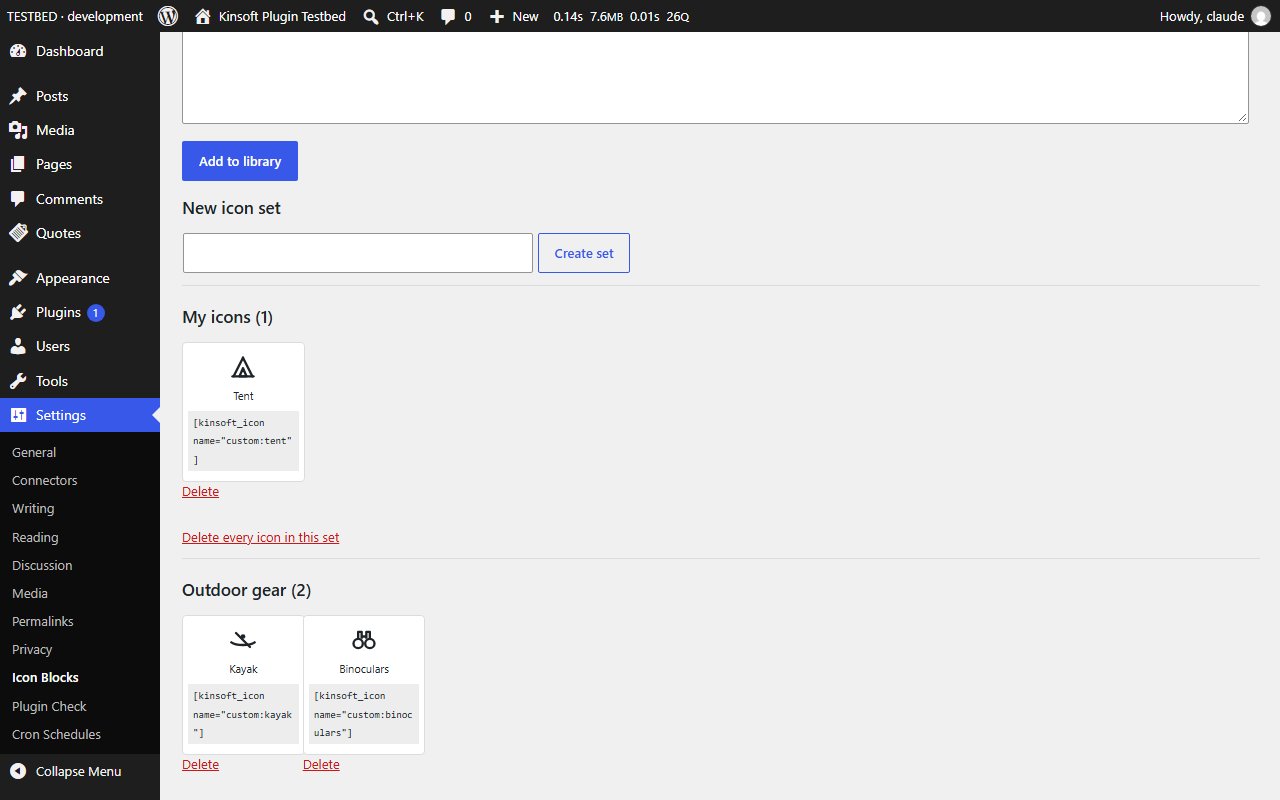
- **Your own SVG icons.** Upload an .svg file or paste SVG code and use it in the Icon block, the Icon List block and the shortcode, just like the bundled icons. Every upload is cleaned before it is saved: scripts, event handlers, links to other websites, embedded files and anything that is not plain drawing is removed, and files with DOCTYPE or entity declarations are refused. SVG uploads to your media library stay switched off.
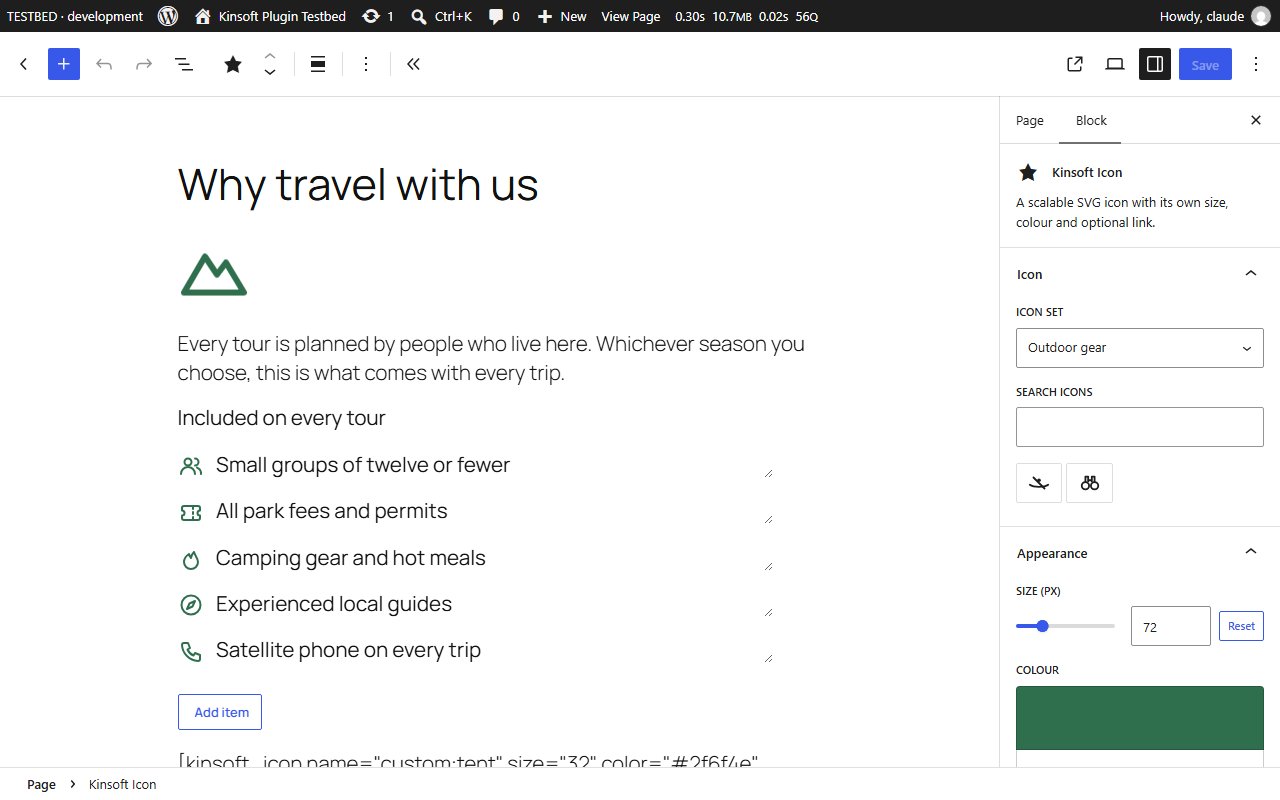
- **Icon sets.** Group your icons into sets (for example "Brand" or "Services") and pick them by set in the editor. Upload an **SVG sprite** and every symbol in it becomes an icon of the set in one go.
- **Animations.** Spin, pulse, bounce, shake, heartbeat or float any icon, all the time or only on hover. Visitors who ask their device for reduced motion see still icons.
Screenshots

Pro pricing
One licence covers updates and support for a year. Pick the number of sites you run it on.
Checkout and licensing run on Freemius, our merchant of record. 14-day money-back guarantee. Prices in USD; any applicable tax is shown at checkout.
Requirements
WordPress 6.4 or newer (tested up to 7.1), PHP 7.4 or newer. Works with the block editor and the classic editor.
Installation
- Download the free version or start the Pro trial above. Freemius emails you the zip and, for Pro, your licence key.
- In WordPress go to Plugins → Add New → Upload Plugin, choose the zip and activate it.
- Pro: paste the licence key when the plugin asks for it, or later under the plugin's Account screen.
Stuck? Open a support ticket and include your WordPress and PHP versions.