Currency Display v1.0.0
Show prices in your visitors' currency: a currency switcher block, a price shortcode and manual or automatic exchange rates.
No credit card for the trial. Pro from $3.25/mo, billed annually. 14-day money-back guarantee.
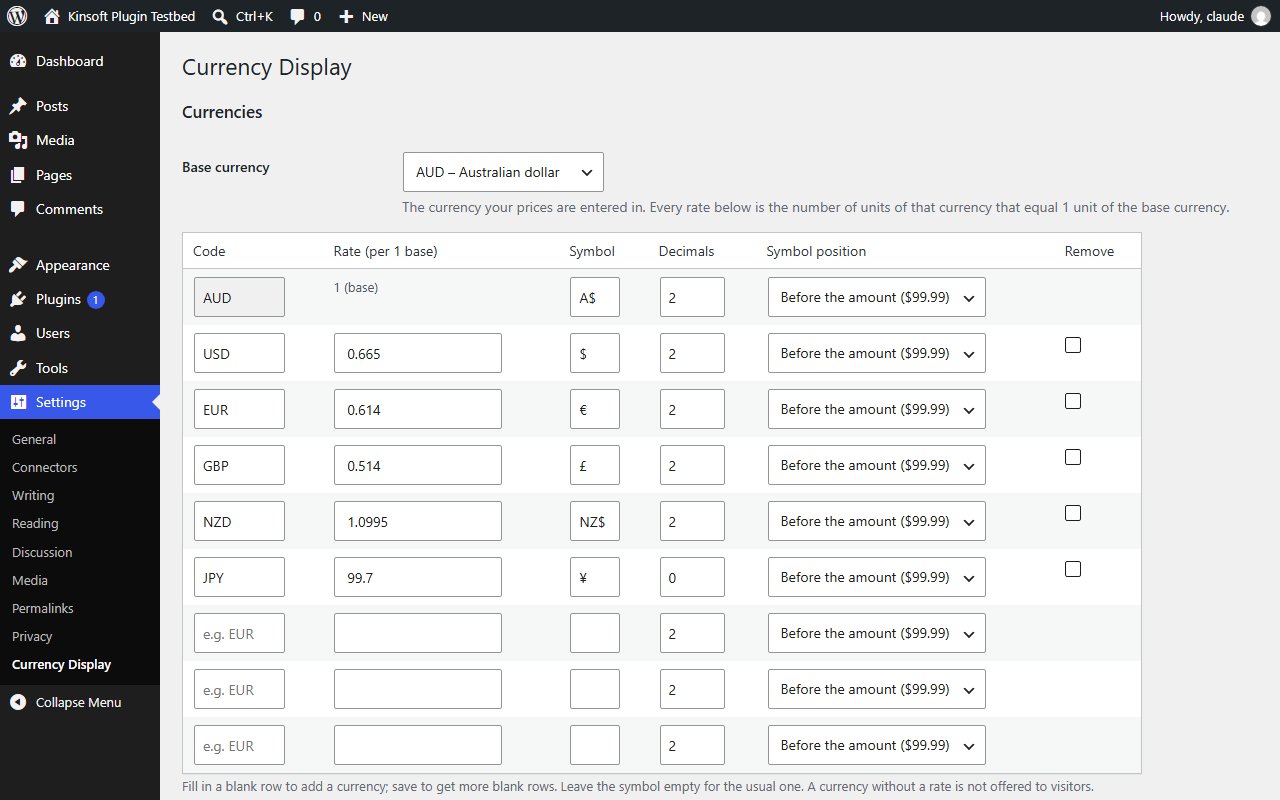
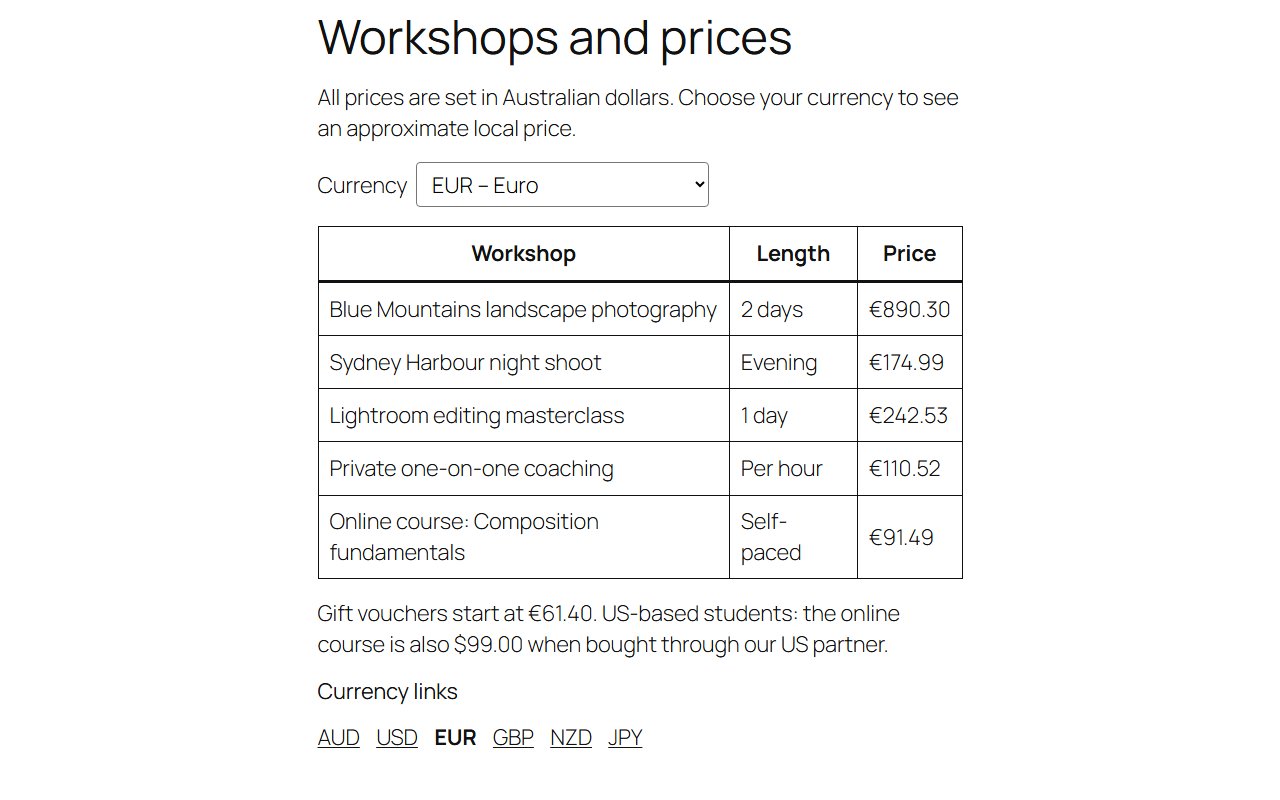
Visitors from overseas want to know what something costs in money they understand. Currency Display adds a currency switcher to your site and shows prices in the currency each visitor picks, converted with the exchange rates you set.
Currency Display Pro
$39 per year, single site
Everything in Free, plus:
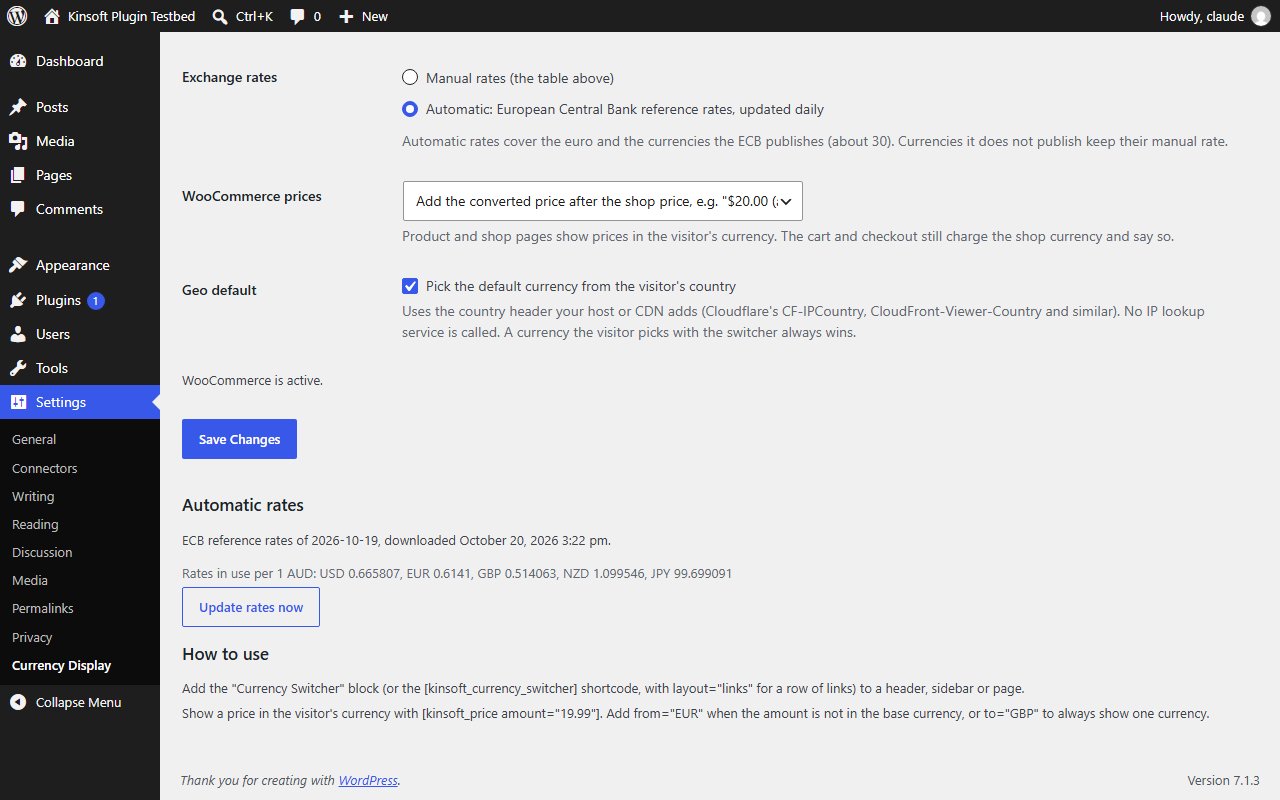
- **Automatic exchange rates** from the European Central Bank's daily reference rates, downloaded once a day by your own server and cached. Currencies the ECB does not publish keep their manual rate, and if a download fails the last good rates stay in use. An "Update rates now" button is on the settings page.
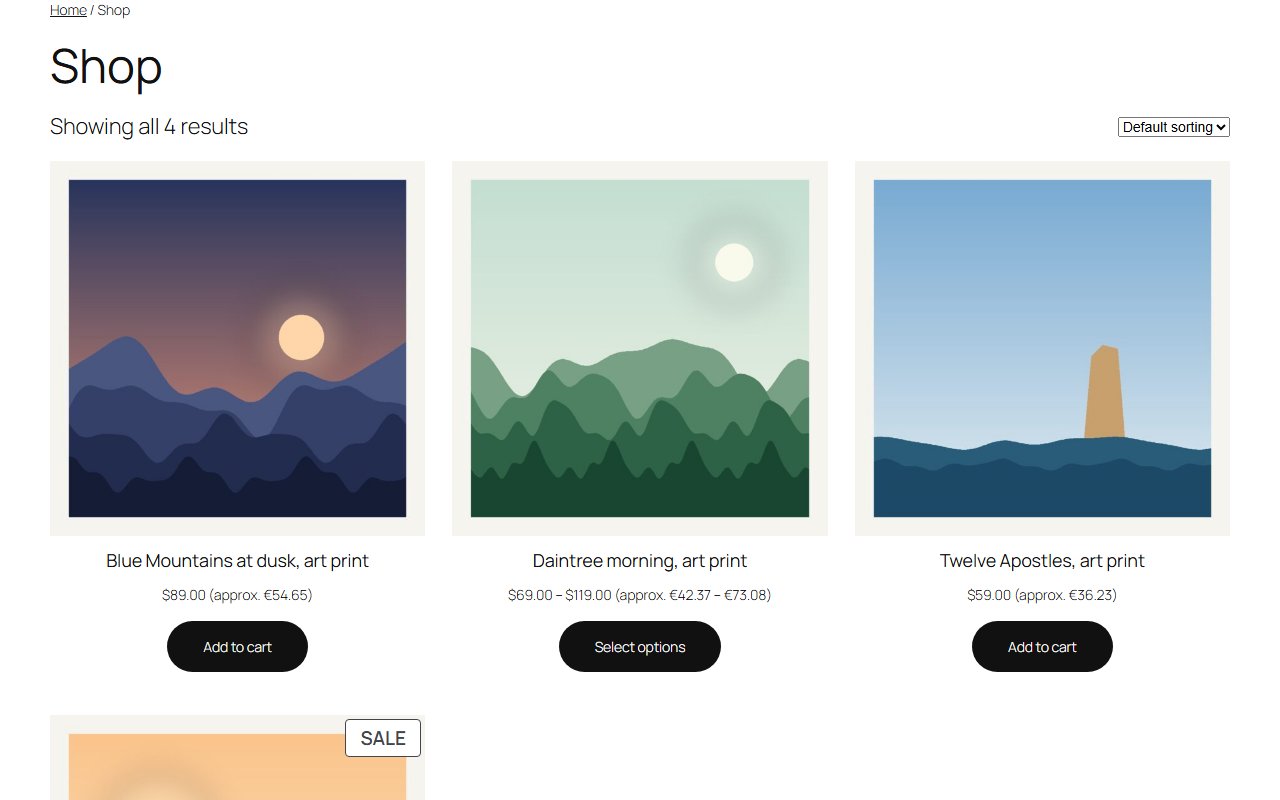
- **WooCommerce display switching.** Product and shop prices are shown in the visitor's currency, either after the shop price ("$20.00 (approx. €18.40)") or instead of it. Orders are still charged in your shop currency, and the cart and checkout tell the customer so.
- **Geo default.** Visitors who have not picked a currency see the currency of their country, read from the country header your host or CDN already adds (Cloudflare, Amazon CloudFront and others). No IP lookup service is called. A currency the visitor picks always wins.
Screenshots
Pro pricing
One licence covers updates and support for a year. Pick the number of sites you run it on.
Checkout and licensing run on Freemius, our merchant of record. 14-day money-back guarantee. Prices in USD; any applicable tax is shown at checkout.
Requirements
WordPress 6.4 or newer (tested up to 7.1), PHP 7.4 or newer. Works with the block editor and the classic editor.
Installation
- Download the free version or start the Pro trial above. Freemius emails you the zip and, for Pro, your licence key.
- In WordPress go to Plugins → Add New → Upload Plugin, choose the zip and activate it.
- Pro: paste the licence key when the plugin asks for it, or later under the plugin's Account screen.
Stuck? Open a support ticket and include your WordPress and PHP versions.