Integration for PipeRun v1.0.0
Every form submission becomes a PipeRun opportunity in the pipeline and stage you choose, with the person, company, owner and origin already set.
No credit card for the trial. Pro from $5.75/mo, billed annually. 14-day money-back guarantee.
Stop copying enquiries from your inbox into PipeRun. Integration for PipeRun turns every form submission on your WordPress site into a PipeRun opportunity in the pipeline and stage you choose, with the person, the company, the owner, the origin, tags and the message as a note, so your sales team can call back while the lead is still warm. Repeat visitors are not duplicated: a second enquiry from the same form adds a note to the open opportunity instead of opening a new one. The settings screens are available in English and Brazilian Portuguese. This plugin is not affiliated with or endorsed by PipeRun.
Free
$0 forever
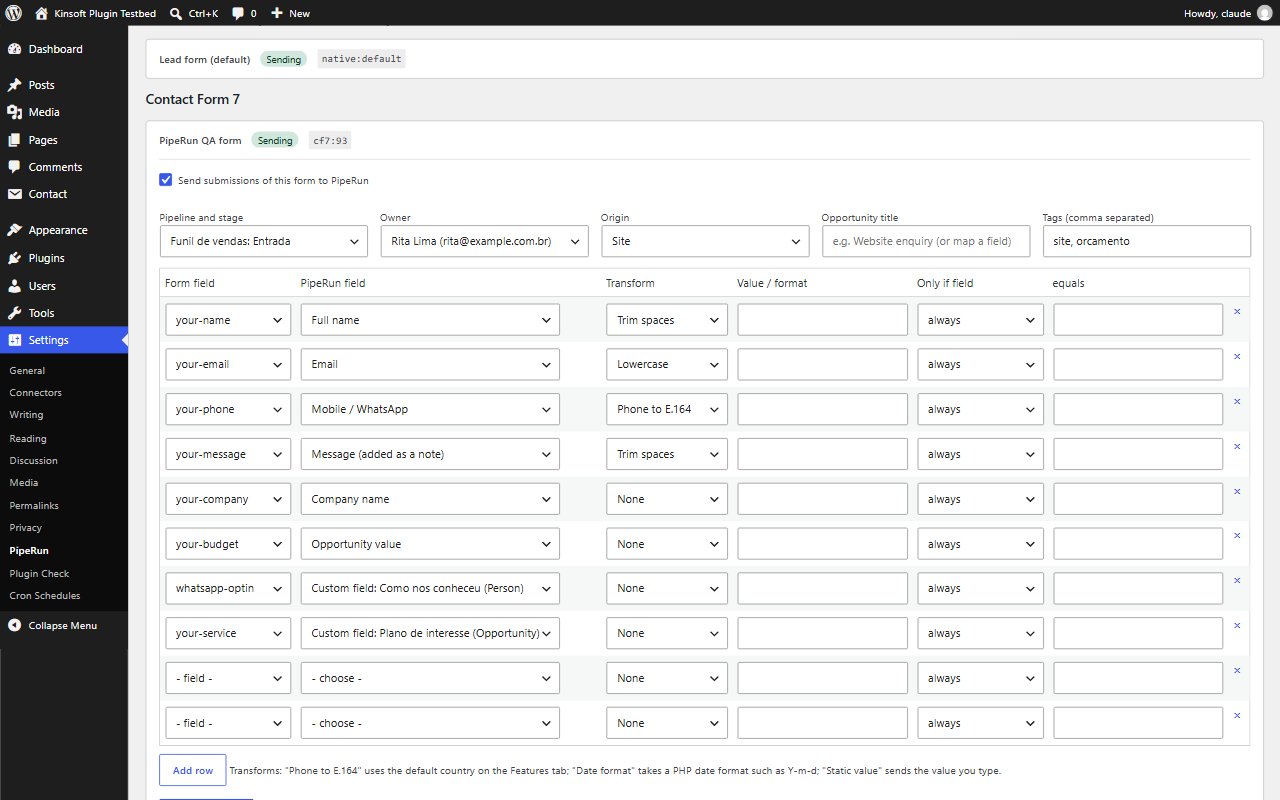
- Works with Contact Form 7, WPForms, Gravity Forms, Fluent Forms, Ninja Forms, Formidable Forms, Elementor Pro Forms, Forminator and FormForge, each with its own switch, field mapping and pipeline stage
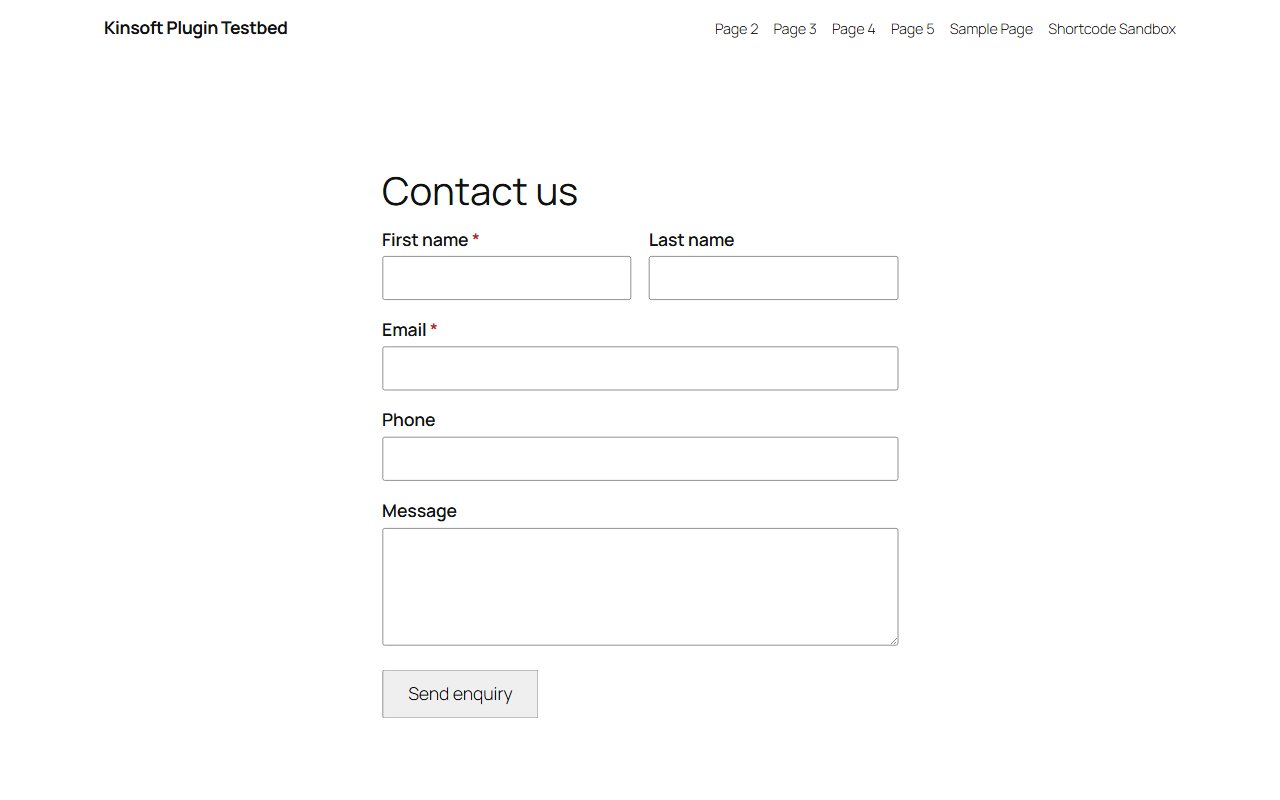
- Built-in form block and shortcode with spam protection; works without JavaScript
- Pipeline, stage, owner (or PipeRun's own lead distribution) and origin per form
- Map to name, email, mobile/WhatsApp, phone, CPF, job title, company, CNPJ, city and state, opportunity title and value, tags and your custom fields
- No duplicates: people matched by email, CPF or phone and companies by name or CNPJ; repeat enquiries update the open opportunity
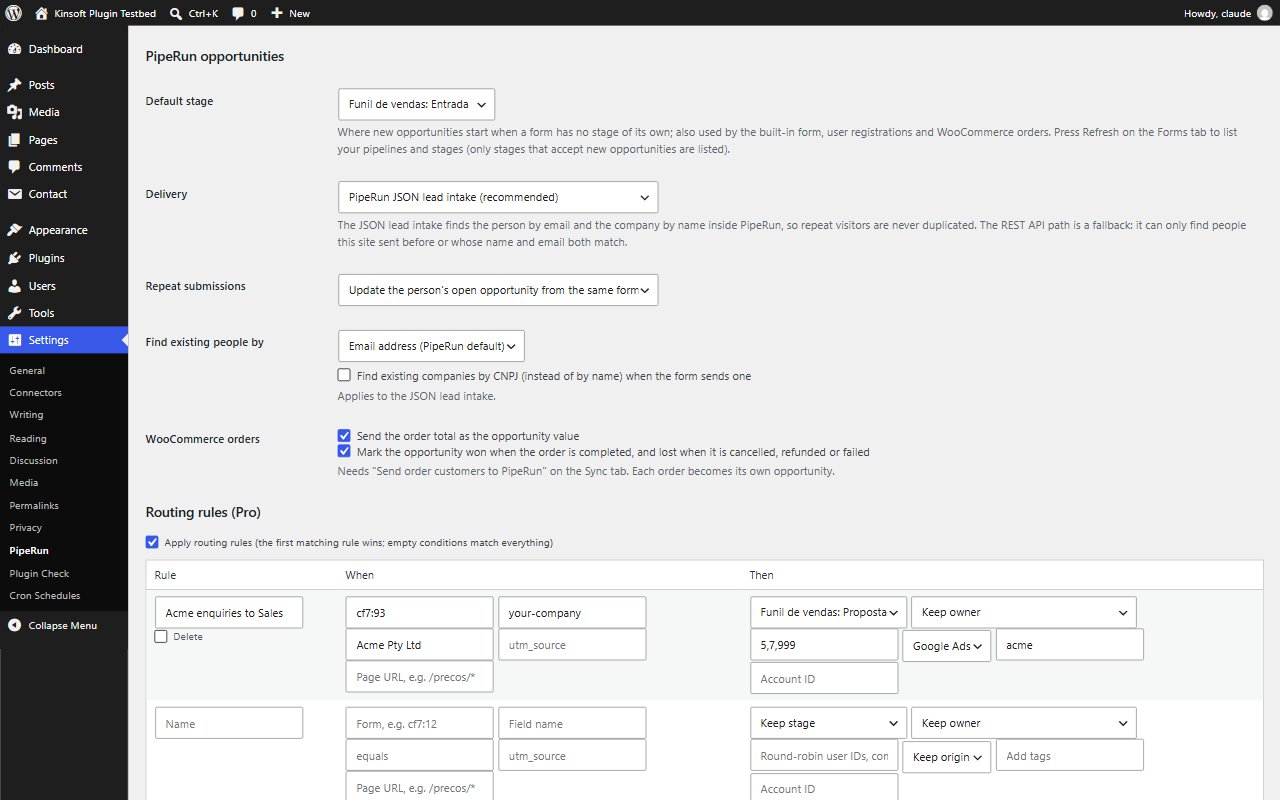
- WooCommerce orders as opportunities valued at the order total, marked won when completed and lost when cancelled or refunded
- Campaign tracking: the visitor's first UTM parameters, referring site and landing page added to the note
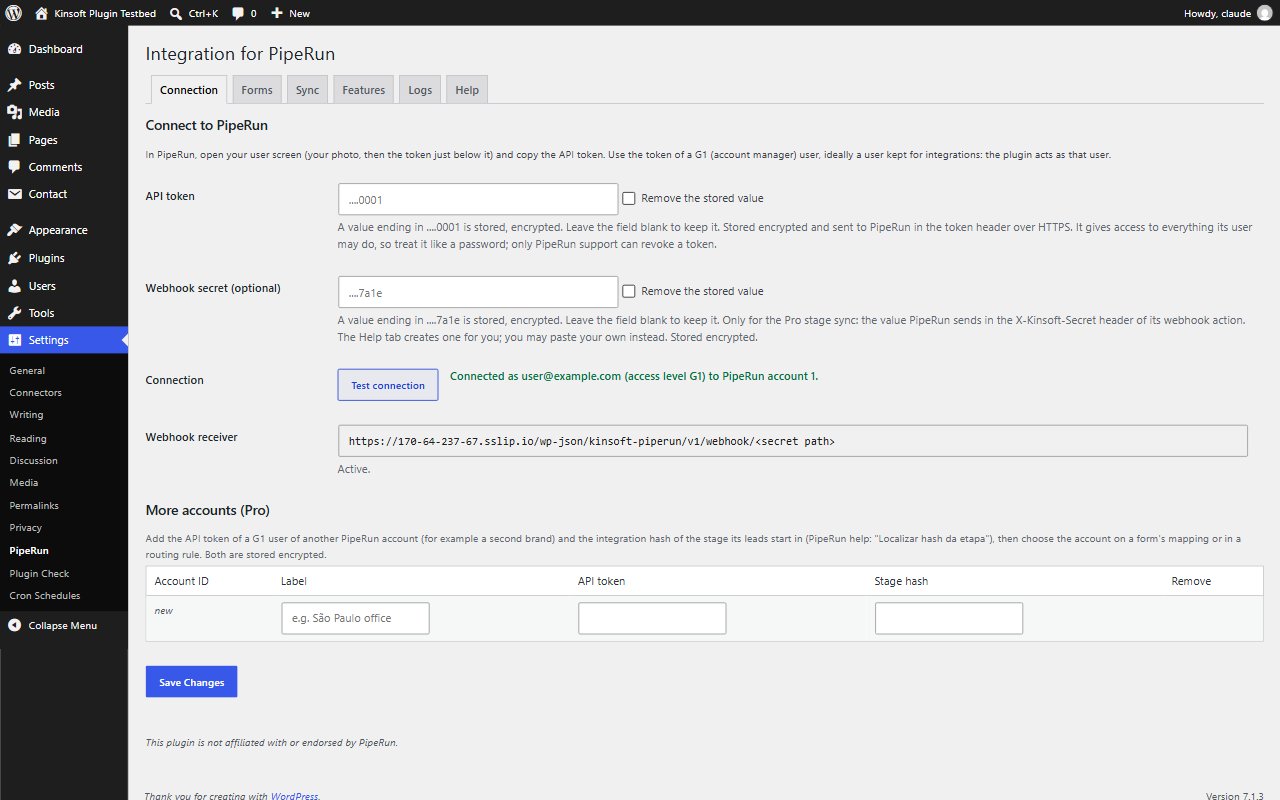
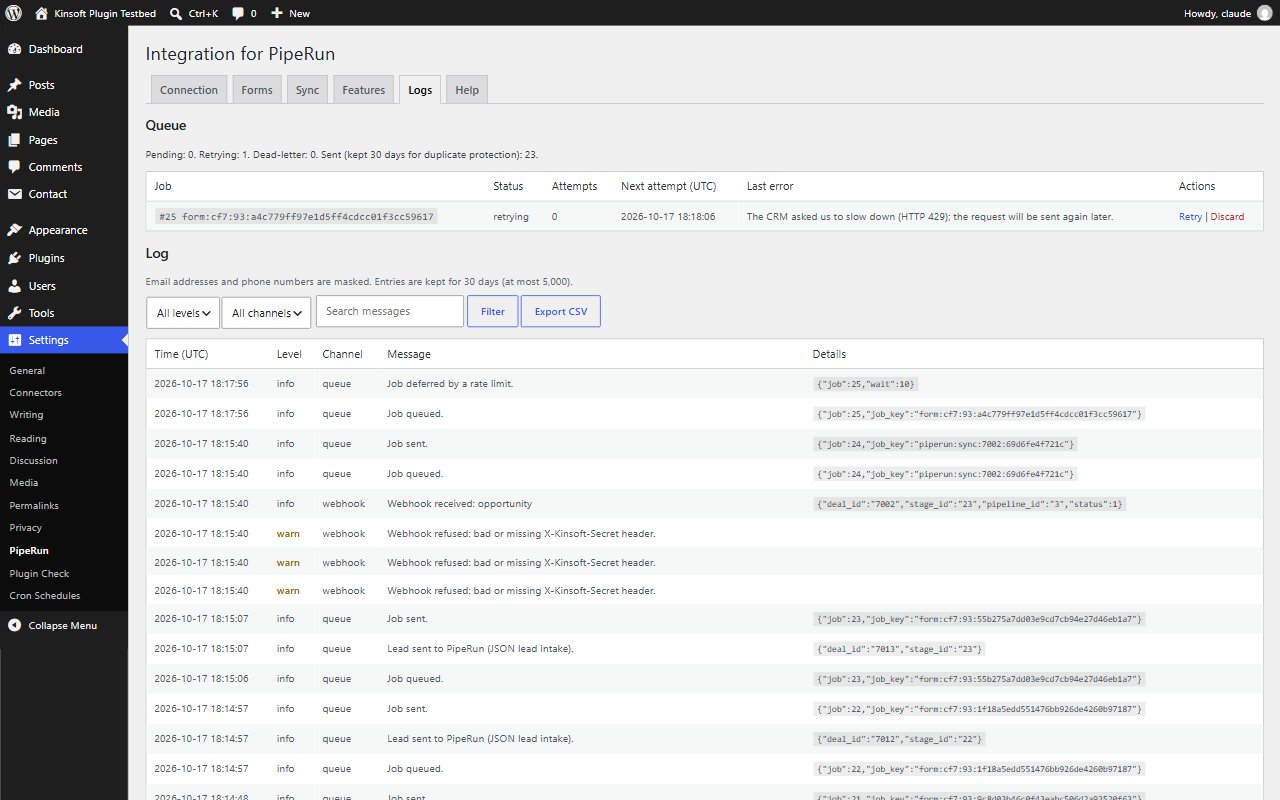
- Background queue within PipeRun's rate limit, retries and one-click resend, masked log with CSV export, encrypted API token
PipeRun Pro
$69 per year, single site
Everything in Free, plus:
- Stage sync: opportunity moves, wins and losses in PipeRun copied back to the WooCommerce order or WordPress user
- Revenue widget: the value won in the last 30 days and how much of it came from your site
- Routing rules for stage, origin and owner by form, answer, campaign or page, with round-robin owners
- More PipeRun accounts, chosen per form
- Historic entries backfill, and mapping import and export
Screenshots
Pro pricing
One licence covers updates and support for a year. Pick the number of sites you run it on.
Checkout and licensing run on Freemius, our merchant of record. 14-day money-back guarantee. Prices in USD; any applicable tax is shown at checkout.
Requirements
WordPress 6.4 or newer (tested up to 7.1), PHP 7.4 or newer. Works with the block editor and the classic editor.
Installation
- Download the free version or start the Pro trial above. Freemius emails you the zip and, for Pro, your licence key.
- In WordPress go to Plugins → Add New → Upload Plugin, choose the zip and activate it.
- Pro: paste the licence key when the plugin asks for it, or later under the plugin's Account screen.
Stuck? Open a support ticket and include your WordPress and PHP versions.