Integration for Lawmatics v1.0.0
Legal intake forms become Lawmatics contacts and matters, filed under the right practice area and assigned to the right attorney; a conflict pre-screen, consultation booking and documents in Pro.
No credit card for the trial. Pro from $5.75/mo, billed annually. 14-day money-back guarantee.
Stop retyping website enquiries into Lawmatics. Integration for Lawmatics turns every intake form on your WordPress site into a Lawmatics contact and matter, already filed under the right practice area and assigned to the right attorney, so your intake team can call back while the prospective client is still deciding. Submissions are delivered in the background and retried if Lawmatics is briefly unavailable. Intake details are treated as confidential: the plugin's log shows record numbers only, never what the client wrote. This plugin is not affiliated with or endorsed by Lawmatics.
Free
$0 forever
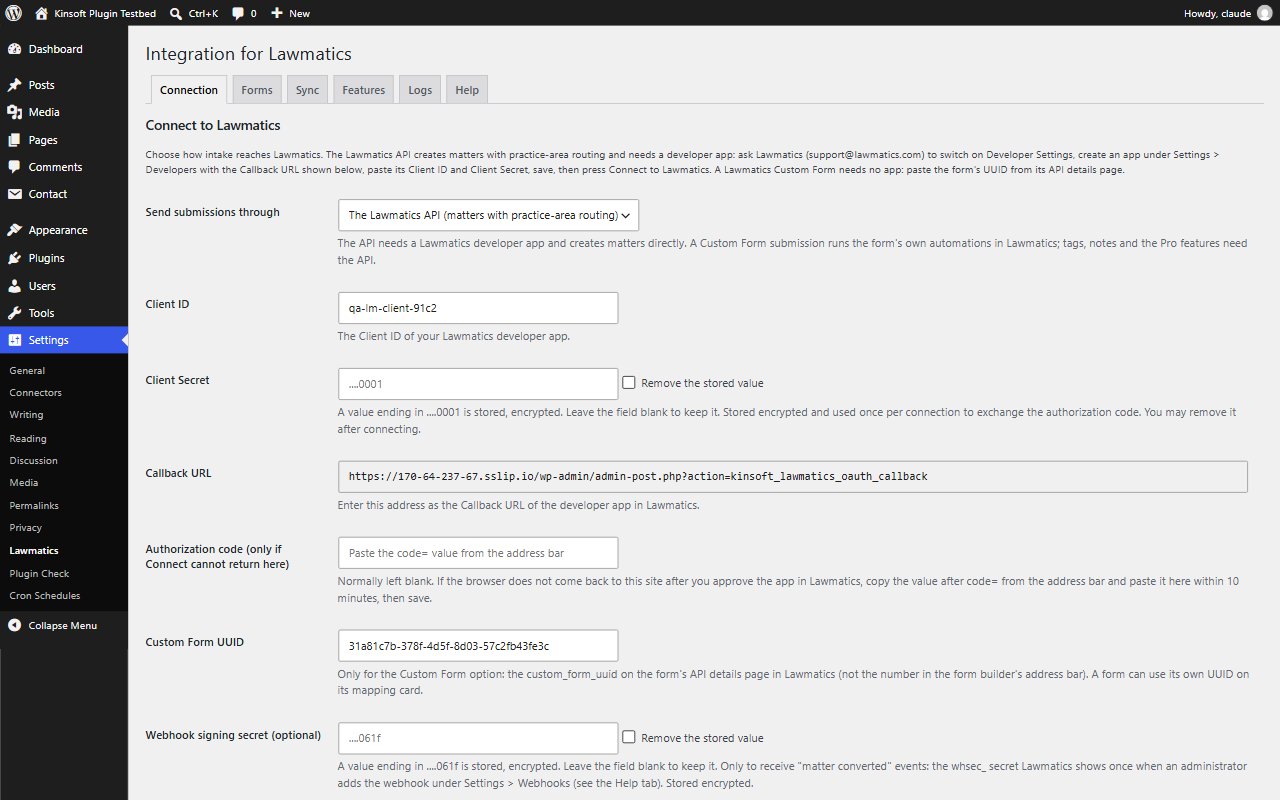
- Connect your firm's own Lawmatics app to create matters directly, or send each submission to one of your Lawmatics Custom Forms so its automations run as usual
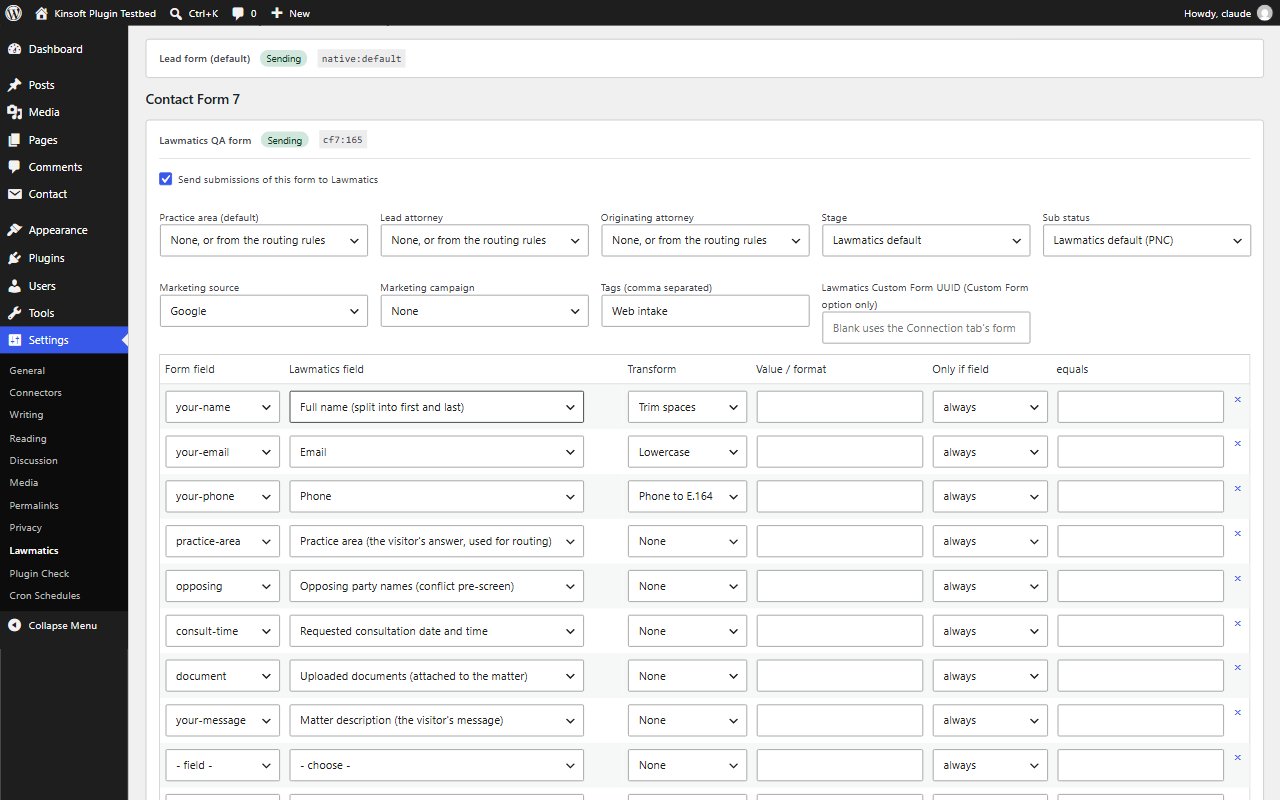
- Each intake creates a matter with its title, case description, practice area, attorneys, stage, sub status, marketing source, campaign, tags and custom fields
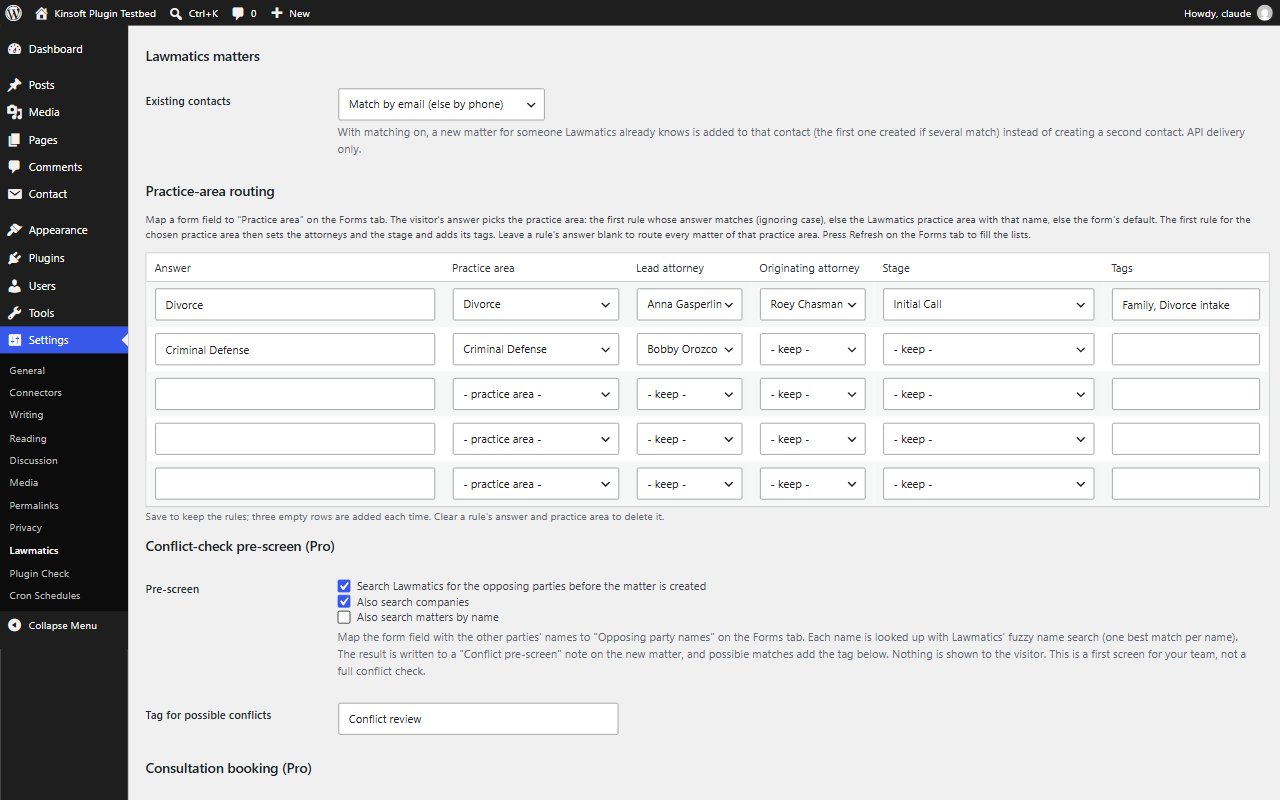
- Practice-area routing: the client's answer picks the practice area, and each area can have its own attorneys, stage and tags
- No duplicate contacts: someone your firm already knows, matched by email or phone, gets the new matter on their existing contact
- An intake note on every matter with the form, page and campaign
- Works with Contact Form 7, WPForms, Gravity Forms, Fluent Forms, Ninja Forms, Formidable Forms, Elementor Pro Forms, Forminator and FormForge, each with its own switch, field mapping and matter defaults
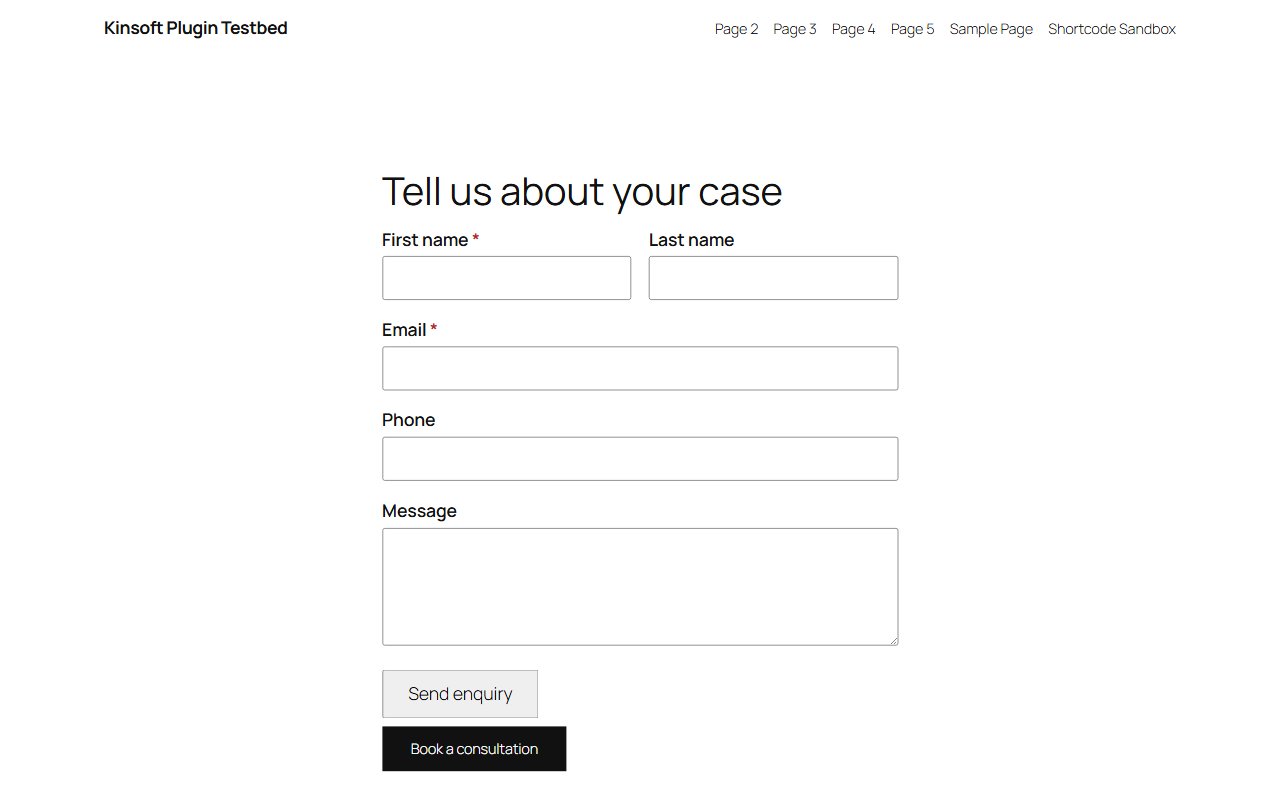
- Built-in intake form block and shortcode with spam protection; works without JavaScript
- Optional sync of new WordPress users (by role) and WooCommerce customers as contacts
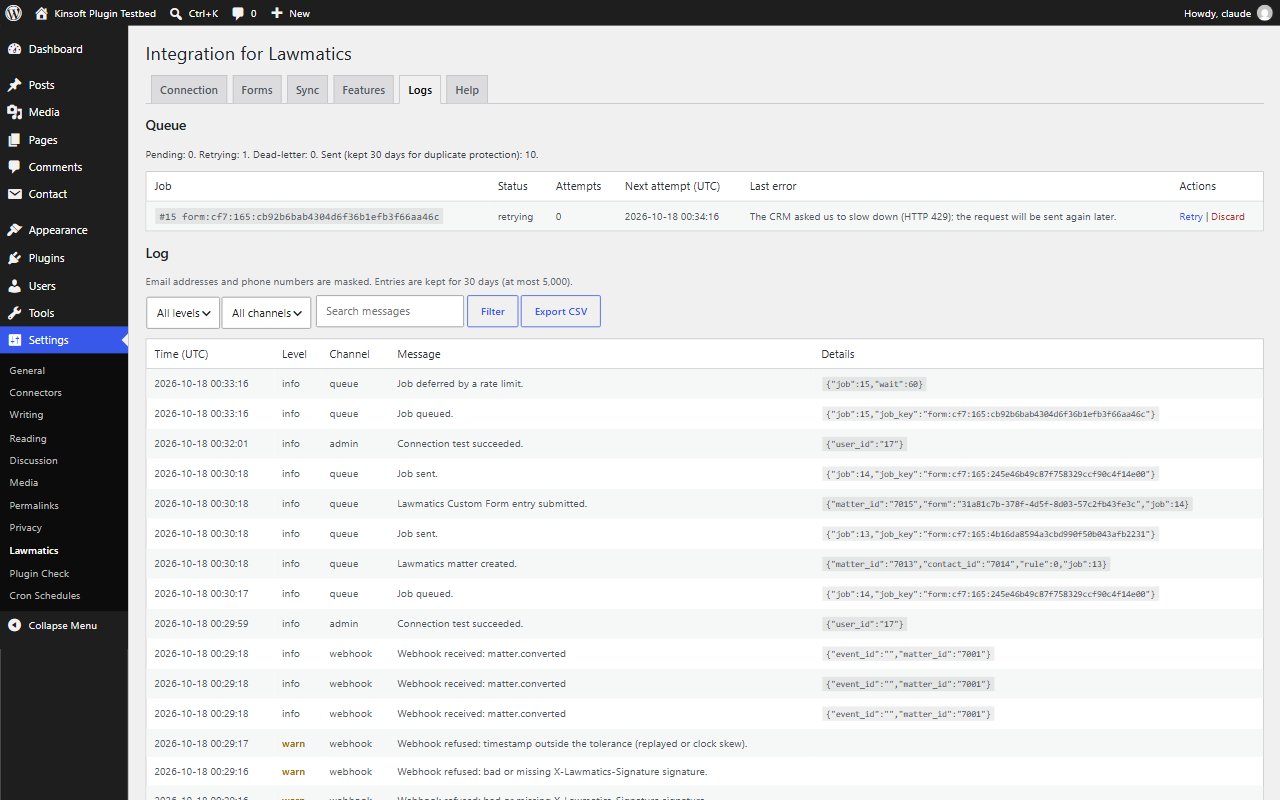
- Confidential by design: the log keeps record numbers, never the client's words, and delivered submissions are cleared from the queue
- Background queue with retries and one-click resend, encrypted connection details
Lawmatics Pro
$69 per year, single site
Everything in Free, plus:
- Conflict-check pre-screen: opposing parties looked up in Lawmatics, with a note and review tag when something looks familiar (a first screen, not a full conflict check)
- Consultation booking: a booking button, or the requested time booked as an appointment on the new matter within your office hours
- Documents uploaded with the intake form attached to the matter
- More Lawmatics firms, historic entries backfill, mapping import and export, and a 7-day sync widget
Screenshots
Pro pricing
One licence covers updates and support for a year. Pick the number of sites you run it on.
Checkout and licensing run on Freemius, our merchant of record. 14-day money-back guarantee. Prices in USD; any applicable tax is shown at checkout.
Requirements
WordPress 6.4 or newer (tested up to 7.1), PHP 7.4 or newer. Works with the block editor and the classic editor.
Installation
- Download the free version or start the Pro trial above. Freemius emails you the zip and, for Pro, your licence key.
- In WordPress go to Plugins → Add New → Upload Plugin, choose the zip and activate it.
- Pro: paste the licence key when the plugin asks for it, or later under the plugin's Account screen.
Stuck? Open a support ticket and include your WordPress and PHP versions.